Airtable vs Notion: Best Ops Database
Airtable vs Notion Executive Verdict
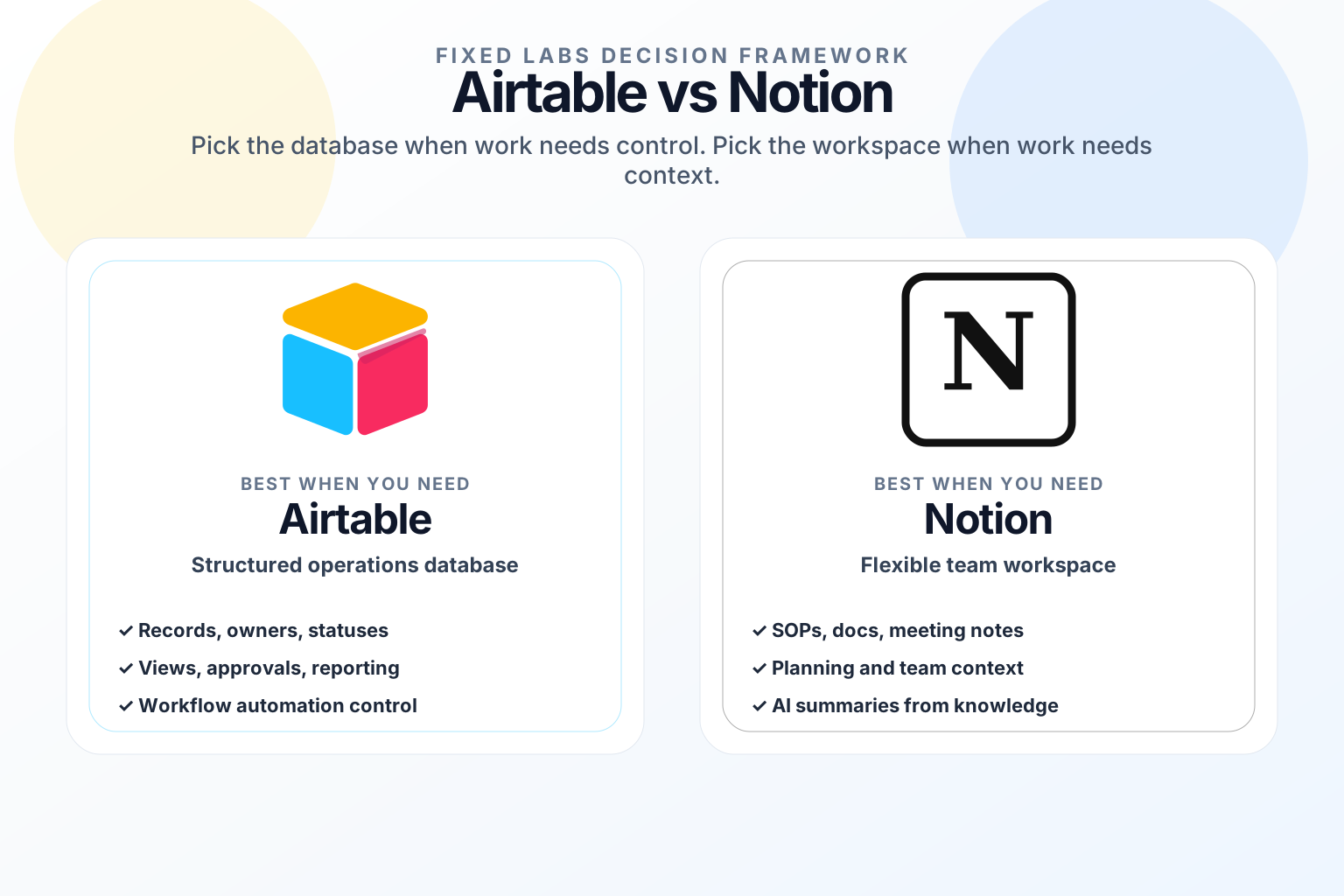
Airtable vs Notion is one of the most common software decisions for growing teams because both tools promise the same high-level outcome: one place to organize work. The difference is that they organize work in very different ways.
Airtable is usually the better first choice when your business needs a structured operations database. It fits workflows with records, owners, statuses, approvals, filtered views, automations, and reporting. If the work currently lives in spreadsheets and the team argues about which row is current, Airtable is usually closer to the operating system you need.
Notion is usually the better first choice when your business needs a flexible team workspace. It fits company wikis, project notes, operating procedures, meeting pages, lightweight task tracking, research, and planning. If the problem is scattered context rather than broken process control, Notion is usually easier for the team to adopt.
For owners and operators, the useful question is not which tool has more features. The useful question is:
Are we trying to control a repeatable business process, or are we trying to centralize knowledge and collaboration?
That distinction matters because the wrong choice creates hidden cost. A team that needs process control can turn Notion into a maze of semi-structured pages. A team that needs a calm workspace can turn Airtable into an overbuilt database nobody wants to update.
What Airtable Does Best
Airtable is strongest when the business object is clear. A lead, client, property, vendor, invoice, content item, candidate, job, ticket, or project can become a record. Each record can have fields, relationships, owners, due dates, attachments, formulas, views, and automations.
That makes Airtable useful for operational workflows such as:
| Business need | Airtable-style system | Why it matters |
|---|---|---|
| Sales pipeline | Accounts, contacts, opportunities, follow-up owners | Fewer dropped leads and cleaner handoffs |
| Content operations | Ideas, briefs, drafts, approvals, publish status | Less status chasing and duplicate work |
| Recruiting | Candidates, roles, interview stages, scorecards | Better visibility across hiring steps |
| Field operations | Jobs, crews, locations, checklists, issue logs | Cleaner dispatch and accountability |
| Vendor tracking | Vendors, renewal dates, owners, risk notes | Fewer surprise renewals and better negotiation |
The value is structure. Airtable can become the place where the business can answer: what is open, who owns it, what is blocked, what is overdue, and what changed since last week?
The risk is database sprawl. Airtable is easy to customize, so teams can create too many fields, views, automations, and exceptions. If nobody owns the schema, the tool becomes another spreadsheet with prettier colors.
What Notion Does Best
Notion is strongest when the work needs context. It lets teams combine documents, notes, tasks, lightweight databases, meeting summaries, playbooks, decision logs, and internal wikis in one flexible workspace.
That makes Notion useful for workflows such as:
| Business need | Notion-style workspace | Why it matters |
|---|---|---|
| Company knowledge base | SOPs, policies, FAQs, onboarding pages | Faster training and fewer repeated questions |
| Project planning | Roadmaps, specs, meeting notes, task lists | Better context around decisions |
| Executive operating rhythm | Weekly plans, metrics snapshots, decision logs | Clearer priorities and follow-through |
| Client delivery notes | Research, call summaries, next steps | Better continuity across service teams |
| AI-supported writing | Drafts, summaries, internal explanations | Faster documentation and communication |
The value is adoption. People are more likely to write, organize, and read Notion pages because the workspace feels close to how they already think and communicate.
The risk is loose ownership. If every team invents its own structure, Notion becomes a beautiful filing cabinet with five versions of the truth. Notion works best when the company defines where final decisions, SOPs, and project records live.
Airtable vs Notion: Fast Decision Matrix
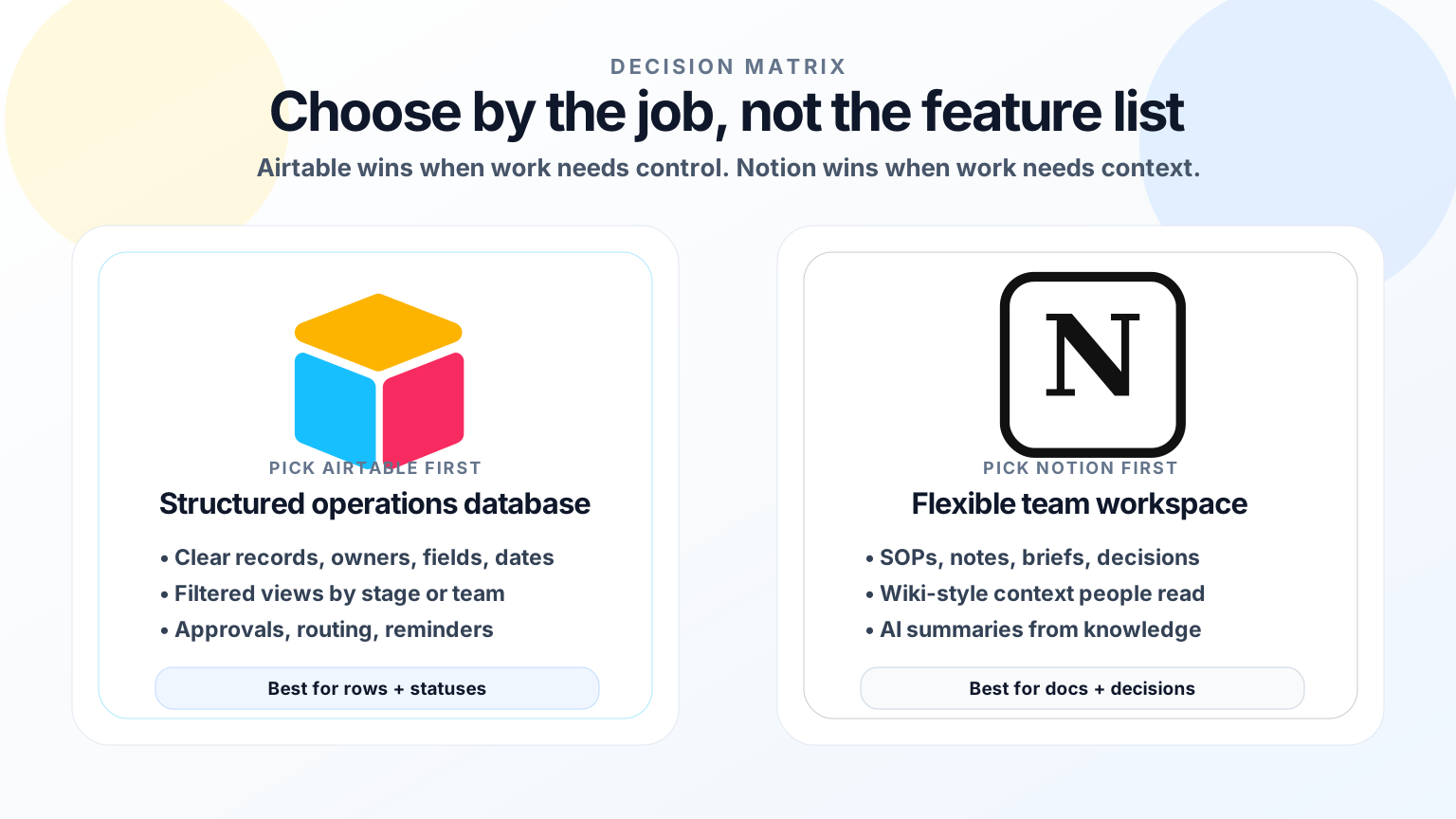
| Question | Pick Airtable first | Pick Notion first |
|---|---|---|
| Is the work record-based? | Yes | Sometimes |
| Do you need filtered operational views? | Yes | Sometimes |
| Do you need structured approvals or automations? | Usually | Sometimes |
| Is the main problem scattered documentation? | Sometimes | Yes |
| Do teams need flexible pages and notes? | Sometimes | Yes |
| Do you need reporting by status, owner, and date? | Yes | Limited |
| Is adoption by non-technical staff the biggest risk? | Depends on setup | Usually easier |
| Is the source of truth currently a spreadsheet? | Usually yes | Sometimes |
A practical rule: if the team talks in rows, statuses, fields, and reports, start with Airtable. If the team talks in docs, decisions, meeting notes, and context, start with Notion.
Pricing And Cost Risk: Seat Price Is Not The Whole Cost
Airtable vs Notion pricing can look simple on plan pages, but the real cost is operational behavior.
Before buying either tool, estimate:
- How many people need edit access, not just view access?
- How many records, pages, attachments, and automations will the team create?
- How many workflows require approvals or auditability?
- How much AI usage will be added for summaries, writing, classification, or field extraction?
- Who owns cleanup when the process changes?
- What is the cost of a missed lead, stale project status, or wrong handoff?
Notion often starts as the lower-friction workspace because it can replace docs, meeting notes, wikis, and lightweight project pages. Airtable can justify a higher operational cost when it replaces spreadsheet work, status meetings, manual routing, and reporting gaps.
The expensive mistake is not paying for the wrong plan. The expensive mistake is buying a tool without retiring the old workflow. If the team keeps using spreadsheets, Slack reminders, and disconnected docs after rollout, the software cost is only one layer of waste.
AI Features: Where They Actually Help
Both platforms now emphasize AI, but AI should not be the reason to choose the wrong structure.
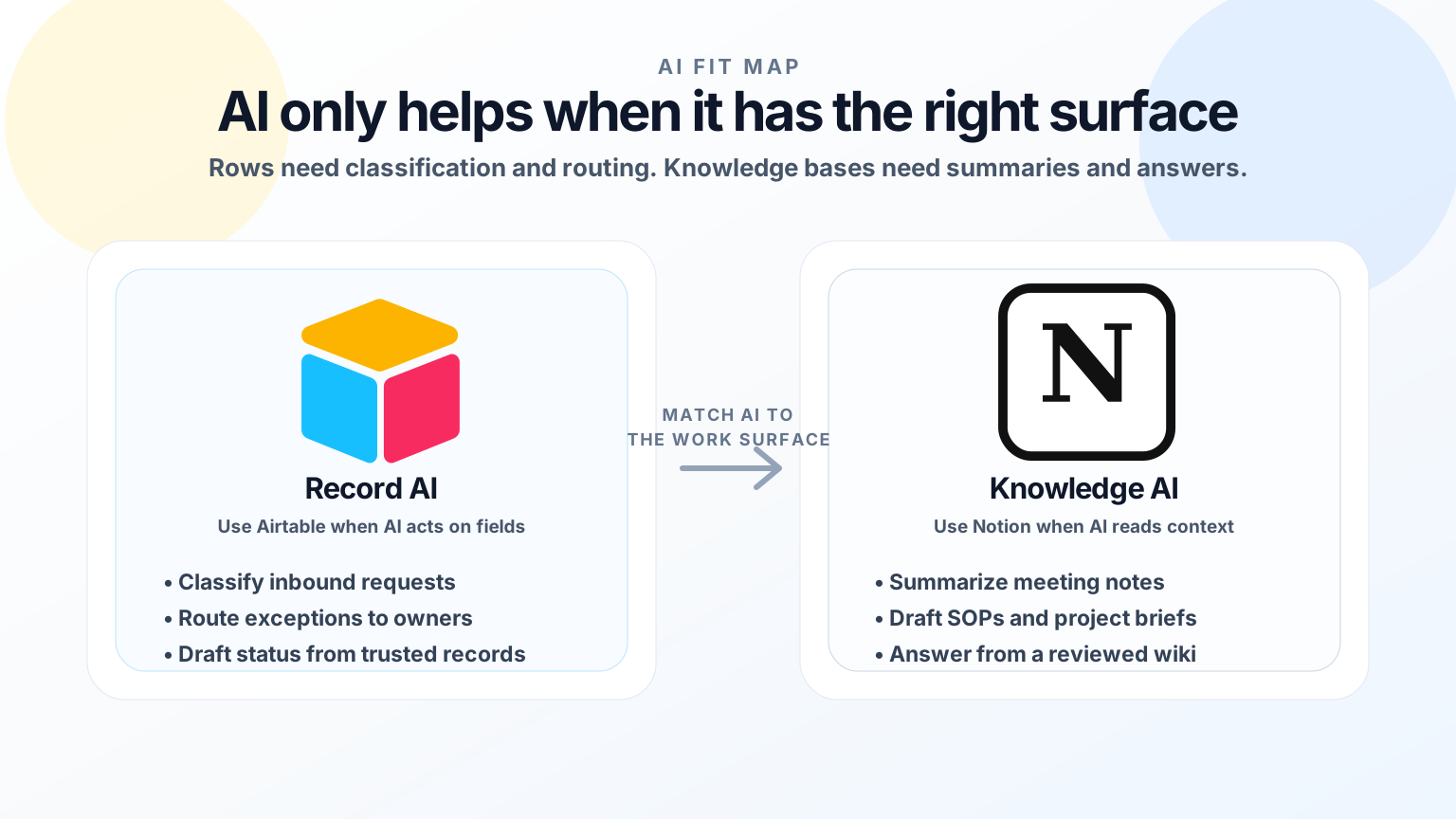
Airtable AI is most useful when AI can operate against structured records. Examples include classifying inbound requests, summarizing account notes, drafting status updates from fields, extracting information into columns, and flagging exceptions in a workflow.
Notion AI is most useful when AI can operate against written context. Examples include summarizing meeting notes, drafting SOPs, rewriting internal documentation, answering questions from a knowledge base, and turning rough notes into project plans.
For business ROI, match AI to the work surface:
| AI job | Better starting point |
|---|---|
| Classify rows or records | Airtable |
| Summarize a company wiki | Notion |
| Draft SOPs from messy notes | Notion |
| Route operational exceptions | Airtable |
| Create weekly status summaries from records | Airtable |
| Turn meeting notes into a project brief | Notion |
AI adds leverage only when the underlying system is trusted. If the records are incomplete, Airtable AI will automate confusion. If the wiki is stale, Notion AI will summarize outdated context.
Implementation Risk By Workflow Type
The safer tool is the one that matches the job.
Lower-Risk Airtable Pilots
Start with Airtable when the workflow has clear stages and measurable outcomes:
- Track inbound leads from form fill to booked call.
- Manage content production from idea to published article.
- Route vendor renewals to the right owner before deadlines.
- Track recruiting candidates through interview stages.
- Create a weekly operations dashboard from active records.
These pilots are lower risk because the record structure is visible, the team can inspect changes, and automation can start with reminders before it touches customer-facing actions.
Higher-Risk Airtable Pilots
Be careful when Airtable is used to replace a mature CRM, accounting system, or regulated record system without governance. If the workflow includes revenue recognition, patient data, legal documents, or financial approvals, Airtable needs permissions, audit practices, backup rules, and clear ownership.
Lower-Risk Notion Pilots
Start with Notion when the team needs better context and repeatability:
- Create a searchable SOP library for recurring tasks.
- Turn weekly leadership meetings into decision logs and owners.
- Build an onboarding hub for new employees.
- Centralize client delivery notes and next steps.
- Convert scattered process docs into one operating manual.
These pilots are lower risk because Notion improves communication before it becomes the system of record for a profit-critical process.
Higher-Risk Notion Pilots
Be careful when Notion becomes the only place tracking operational commitments without clear fields, reporting, reminders, and owners. A page can feel organized while still hiding overdue work. If the business needs enforcement, status visibility, or structured handoffs, Notion may need Airtable or another system behind it.
ROI: Where Each Tool Can Pay For Itself
Airtable can pay for itself when it removes manual spreadsheet work, prevents dropped handoffs, shortens reporting cycles, or gives managers a reliable view of active work. If a manager spends three hours every week chasing updates, reconciling sheets, and asking who owns the next step, a structured operational database can create visible ROI.
Notion can pay for itself when it reduces repeated questions, speeds onboarding, improves project clarity, or prevents decisions from disappearing into Slack and email. If employees waste time searching for how work is supposed to be done, a clean knowledge workspace can reclaim hours every week.
A simple ROI test:
| Measurement | Airtable ROI signal | Notion ROI signal |
|---|---|---|
| Time saved | Fewer manual updates and reports | Fewer repeated explanations and searches |
| Profit protection | Fewer dropped leads or late handoffs | Better follow-through from decisions |
| Quality | Cleaner records and fewer status errors | More consistent SOPs and client notes |
| Management visibility | Better dashboards by owner and status | Better context behind projects and decisions |
| Adoption | People update records weekly | People actually write and read the workspace |
If the first pilot cannot show at least three to five hours saved per week, faster response time, fewer errors, or better owner visibility, the tool is not the main bottleneck yet.
Best Setup For A Growing Business
For many $1M to $50M companies, the best answer is not Airtable or Notion. It is a clear division of labor.
Use Airtable for structured operational records:
- Leads
- Projects
- Vendors
- Recruiting pipelines
- Content calendars
- Renewals
- Fulfillment stages
- Issue logs
Use Notion for context and enablement:
- SOPs
- Meeting notes
- Decision logs
- Training docs
- Project briefs
- Client playbooks
- Internal FAQs
- AI-generated summaries that humans review
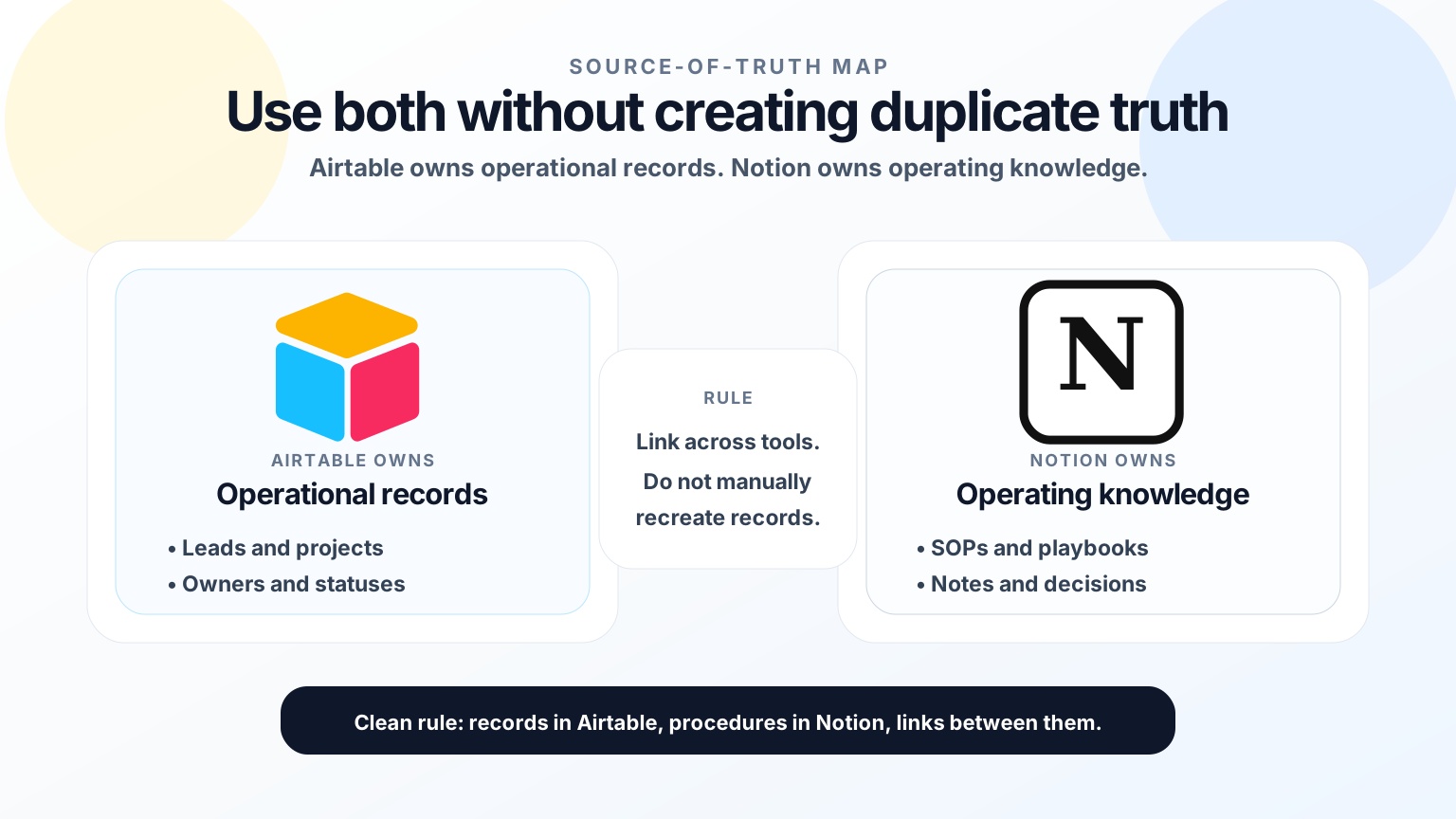
The key is deciding which system owns each truth. If a customer status lives in Airtable, do not recreate it manually in Notion. Link to it. If an SOP lives in Notion, do not bury the procedure in an Airtable long-text field. Link to it.
That separation prevents tool sprawl and makes future automation safer.
A 4-Day Pilot Plan
If you are deciding between Airtable vs Notion, do not start with a company-wide rollout. Start with one workflow.
Day 1: Map the leak. Choose one workflow that costs time, profit, or trust. Examples: missed lead follow-up, unclear project ownership, slow onboarding, vendor renewal surprises, or manual weekly reporting.
Day 2: Define the source of truth. Decide whether the workflow needs structured records or flexible context. If the output is a dashboard or status board, Airtable is probably first. If the output is clarity, documentation, and shared understanding, Notion is probably first.
Day 3: Build the smallest useful system. Create only the fields, pages, views, and templates needed for the pilot. Avoid automating exceptions until the team trusts the basic workflow.
Day 4: Measure and decide. Ask whether the pilot reduced manual work, improved response time, clarified ownership, or made reporting easier. Keep it only if the team can point to measurable improvement.
Final Recommendation
Choose Airtable if the business needs a structured operations database with records, views, ownership, automations, and reporting. It is the better fit for process control.
Choose Notion if the business needs a flexible workspace for documentation, planning, meeting notes, SOPs, and team knowledge. It is the better fit for context and adoption.
Use both only when you have a clear rule: Airtable owns operational records; Notion owns operating knowledge.
Fixed Labs helps owners find this decision point before they buy another tool. In a Fixed Labs AI Assessment, we map the manual work leaking profit, shortlist the tools that actually match the workflow, and build a 4-day action plan with ROI math before implementation begins.