Gumloop vs Lindy: Best AI Automation Tool
Gumloop vs Lindy Executive Verdict
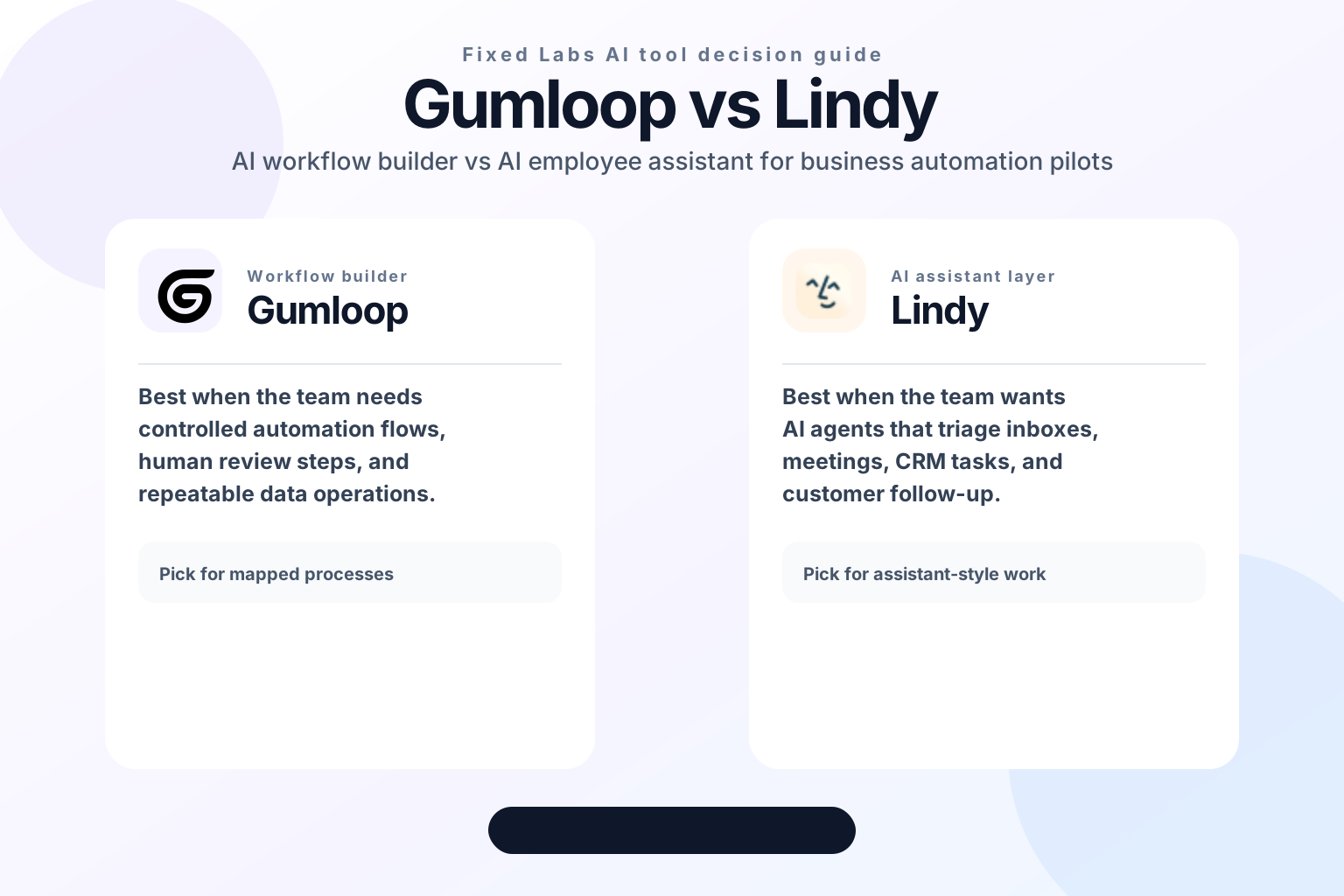
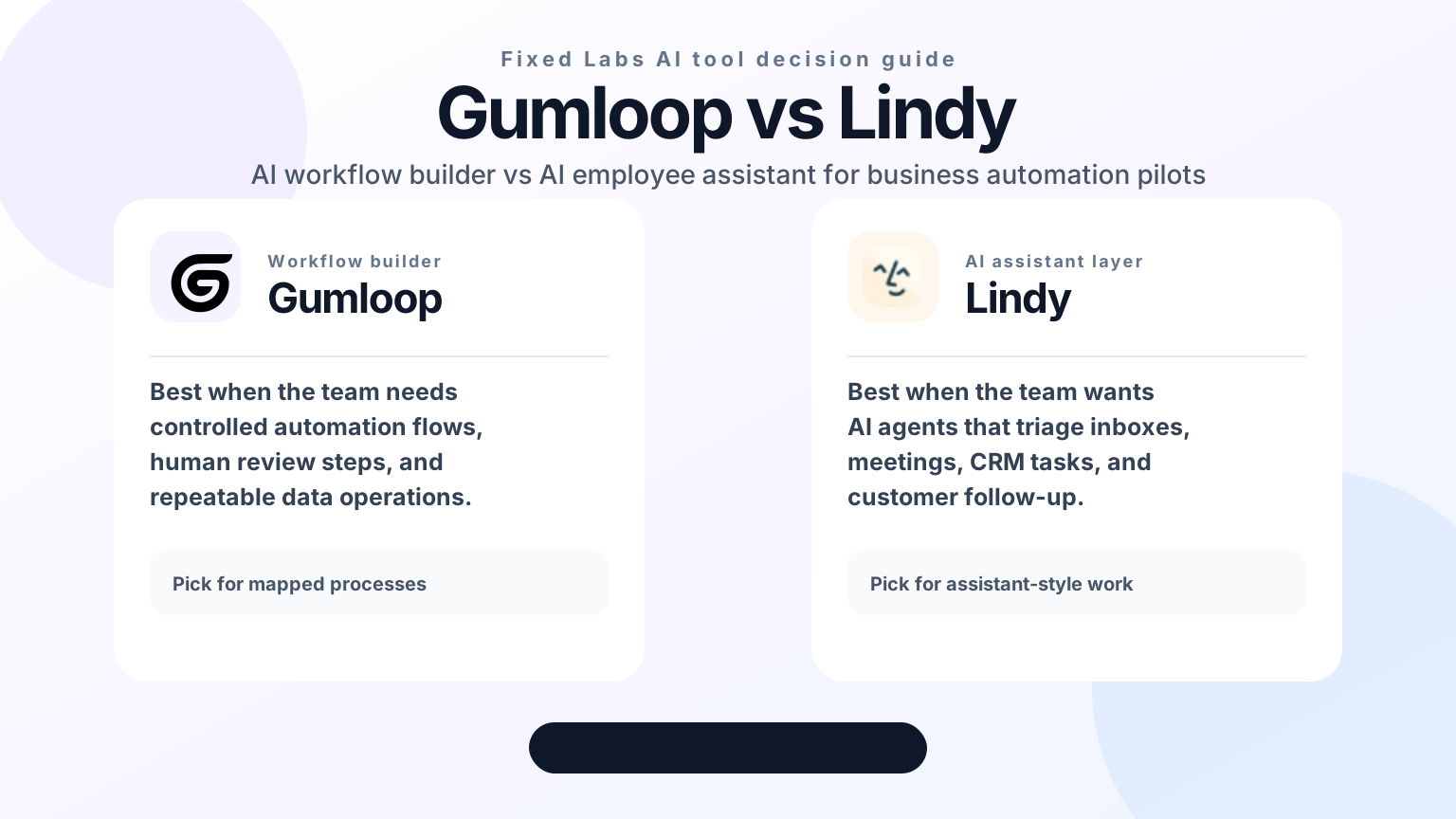
Gumloop vs Lindy is not a simple "which AI tool is better?" decision. Both products sit in the fast-growing AI automation category, but they aim at different operating patterns.
Gumloop is usually the better first test when your business needs a controlled AI workflow builder. Think lead enrichment, document processing, research workflows, outbound preparation, data cleanup, internal reporting, and repeatable operations where each step can be mapped, reviewed, and improved.
Lindy is usually the better first test when your business needs an AI assistant that behaves more like a digital teammate. Think inbox triage, meeting follow-up, CRM updates, support handoffs, reminders, scheduling, and multi-step admin work that starts from a person-facing context.
For a business owner, the useful question is not "Gumloop vs Lindy: which platform is more advanced?" The useful question is:
Which manual bottleneck is costing us profit, speed, or operator attention right now, and which tool can prove ROI with the smallest safe pilot?
That framing matters because AI automation tools can either remove a real leak or create a new maintenance burden. The best choice depends on workflow shape, review needs, permissions, and how much control your team needs before AI touches customers or financial records.
What Gumloop Does Best
Gumloop positions itself as an AI automation framework for building workflows. In practical business terms, it is useful when the team wants to turn a repeatable process into a series of steps that can be run, inspected, and improved.
Common Gumloop-style workflows include:
| Business need | Gumloop-style workflow | Why it matters |
|---|---|---|
| Lead research | Collect sources -> enrich account details -> summarize buying signals | Faster sales prep and cleaner handoffs |
| Content operations | Gather inputs -> classify pages -> draft briefs -> route for review | Less manual copy/paste and fewer missed updates |
| Internal reporting | Pull data -> transform fields -> summarize exceptions | Better weekly visibility without spreadsheet work |
| Document processing | Extract text -> classify records -> prepare next actions | Faster back-office throughput |
| Vendor research | Compare pages -> summarize features -> flag risks | Better buying decisions before demos |
The strength of Gumloop is control. A team can usually define a workflow, decide what each step should do, and add human review before the output is trusted. That makes it attractive for businesses that want AI automation but do not want a black-box agent acting across sensitive systems.
The risk is overbuilding. A workflow that is easy to prototype can become hard to maintain if the team automates too many exceptions at once. Start with one process, one owner, and one measurable outcome.
What Lindy Does Best
Lindy positions itself around AI agents and assistants that can help with everyday work across tools such as email, calendars, meetings, and business systems. In practical terms, Lindy is useful when the job looks less like a fixed workflow and more like a delegated assistant task.
Common Lindy-style workflows include:
| Business need | Lindy-style workflow | Why it matters |
|---|---|---|
| Inbox triage | Read messages -> classify urgency -> draft or route responses | Faster follow-up and fewer dropped requests |
| Meeting operations | Capture context -> summarize decisions -> create tasks | Less admin time after calls |
| CRM hygiene | Review activity -> draft updates -> remind owners | Cleaner pipeline data |
| Customer follow-up | Detect next step -> draft message -> escalate exceptions | Better response speed |
| Executive admin | Coordinate scheduling, reminders, and recurring tasks | More leverage for busy operators |
The strength of Lindy is assistant-style flexibility. It can be a better fit when the work starts from natural language, human communication, and context that changes day to day.
The risk is permission scope. Assistant-style agents can touch sensitive systems and customer communications, so the pilot needs strict boundaries: what the agent can read, what it can write, when a human must approve, and what happens when confidence is low.
Gumloop vs Lindy: Fast Decision Matrix
| Question | Pick Gumloop first | Pick Lindy first |
|---|---|---|
| Is the process already mapped? | Yes | Sometimes |
| Does the workflow need deterministic steps? | Yes | Sometimes |
| Is the work mostly email, meetings, or follow-up? | Sometimes | Yes |
| Do you need a digital teammate experience? | Not usually | Yes |
| Do outputs need human review before action? | Easy to design | Must be carefully governed |
| Is the first use case back-office or research heavy? | Usually yes | Sometimes |
| Is the first use case people-facing? | Sometimes | Usually yes |
| Is the biggest risk tool sprawl? | Yes, if workflows multiply | Yes, if agents get broad access |
A practical rule: if an employee would solve the task by following a checklist, start with Gumloop. If an employee would solve the task by reading context, communicating, and coordinating across people, start with Lindy.
Pricing And Cost Risk: Do Not Compare Only Plan Pages
Pricing pages change, and the sticker price rarely tells the full automation cost. For Gumloop vs Lindy, the real cost question is operational volume.
Before buying either tool, estimate:
- How many runs or tasks will happen each week?
- How many systems need to be connected?
- How many outputs require human review?
- How often will the workflow fail because input data is missing or ambiguous?
- Who owns maintenance when the business process changes?
- What is the cost of a wrong action, late follow-up, or bad CRM update?
Gumloop can become expensive if the team builds many workflows without measuring which ones remove real work. Lindy can become expensive if assistant-style agents are given broad scope before the business defines what success looks like.
For a small or mid-sized business, the goal should be a 30- to 60-day payback window on the first use case. If the automation does not remove at least three to five hours of manual work per week, improve response time, or reduce a measurable error rate, the tool is probably not the main problem yet.
Implementation Risk By Workflow Type
The safer tool is the one that matches the job.
Lower-Risk Gumloop Pilots
Start with Gumloop when the workflow has clear inputs and reviewable outputs:
- Summarize competitor website changes every week.
- Enrich inbound leads before a salesperson reviews them.
- Convert support tickets into categorized internal summaries.
- Prepare vendor comparison briefs from public pages.
- Clean and classify spreadsheet rows before a human approves changes.
These pilots are lower risk because the AI output can be reviewed before it affects customers, payments, or core records.
Higher-Risk Gumloop Pilots
Be careful when a Gumloop workflow automatically changes CRM stages, sends customer messages, updates pricing, or creates legal/financial summaries without review. In those cases, the workflow needs source links, confidence checks, approval queues, and clear rollback steps.
Lower-Risk Lindy Pilots
Start with Lindy when assistant work can be observed and contained:
- Draft follow-up emails but require approval before sending.
- Summarize meetings and suggest tasks.
- Triage inboxes into categories without deleting or sending anything.
- Remind account owners about stale opportunities.
- Prepare daily executive briefings from approved systems.
These pilots are lower risk because the assistant saves time without immediately acting on behalf of the business.
Higher-Risk Lindy Pilots
Be careful when an agent can send messages, move deals, access private customer data, change calendars, or make commitments without approval. Assistant-style AI can create real leverage, but only after permissions, logs, and escalation paths are designed.
ROI: Where Each Tool Can Pay For Itself
The best Gumloop vs Lindy decision starts with recovered time or recovered profit.
Gumloop can pay for itself when the business has repeatable data or research work that slows down sales, operations, or marketing. If a team spends hours gathering account information, classifying documents, creating briefs, or cleaning data, a controlled workflow can produce a straightforward ROI case.
Lindy can pay for itself when the business loses time or profit because people miss follow-ups, meetings create untracked action items, inboxes pile up, or CRM updates happen late. If the leak is coordination, responsiveness, or admin capacity, an AI assistant can be more valuable than a workflow builder.
Use this pilot scorecard before expanding either tool:
| Metric | Target for the first pilot |
|---|---|
| Manual hours removed | At least 3-5 hours per week |
| Response time improvement | 25% faster for the selected workflow |
| Human review rate | 100% before sensitive actions |
| Error visibility | Every failed run has a log and owner |
| Payback window | 30-60 days for the first use case |
| Expansion rule | Expand only after one workflow proves value |
If the pilot cannot be measured, pause before adding more AI agents. Tool adoption should follow the profit leak map, not the demo.
How To Choose In Four Days
A business does not need a six-month AI transformation plan to make a smart first choice. It needs a focused test.
Day 1: Map the leak. Write the exact manual process: trigger, inputs, systems, decisions, outputs, failure points, and owner.
Day 2: Choose the tool shape. If the process is a checklist or data workflow, test Gumloop. If it is assistant-style coordination, test Lindy.
Day 3: Build the smallest useful run. Use one workflow, one team, and one output. Do not automate every branch.
Day 4: Add controls and measure ROI. Add review gates, logging, fallback steps, and a simple savings estimate.
That is the difference between practical AI implementation and tool shopping.
Related Fixed Labs Resources
If your team is comparing AI automation tools, start with n8n vs Zapier vs Make.com to understand traditional automation tradeoffs. If your workflow includes AI web research, read Firecrawl vs Browserbase. If the project is more about building internal apps, review Lovable vs Replit and Supabase vs Firebase.
The Fixed Labs AI tools library can also help shortlist adjacent automation, agent infrastructure, and AI coding tools before you commit to a pilot.
Frequently Asked Questions
Is Gumloop or Lindy better for business automation?
Gumloop is usually better when the work is a mapped process with clear inputs, review steps, and repeatable outputs. Lindy is usually better when the work feels like an assistant job across email, meetings, CRM updates, and follow-up.
Can Gumloop and Lindy be used together?
Yes. Gumloop can handle structured workflow automation while Lindy handles assistant-style triage or coordination. The safer first move is still one narrow pilot tied to one measurable business leak.
Which tool is safer for a first AI pilot?
The safer first tool is the one with narrower permissions and clearer human review. For many businesses, that means a read-only or draft-only pilot before AI can send messages, update records, or trigger customer-facing actions.
How Fixed Labs Would Choose
Fixed Labs would not start by buying Gumloop or Lindy. We would start by mapping the profit leak.
If the leak is slow research, messy data, manual reporting, or repeatable back-office work, we would test Gumloop first. If the leak is missed follow-up, meeting admin, inbox triage, or assistant-style coordination, we would test Lindy first.
The $999 Fixed Labs AI Assessment turns this decision into a practical plan: a profit leak map, an AI tool shortlist, a 4-day action plan, and an ROI summary. The goal is not to add another AI subscription. The goal is to recover time, reduce operational risk, and prove the smallest automation that can pay for itself.