Firecrawl vs Browserbase: Pick the Right AI Agent Tool

Firecrawl vs Browserbase executive verdict
Firecrawl vs Browserbase is not a normal software comparison. Both tools help AI agents work with the web, but they solve different operational problems.
Firecrawl is usually the better first test when your business needs clean web data. Think market research, competitor pages, documentation, local directories, vendor pages, product listings, and other websites that need to be searched, scraped, crawled, mapped, or converted into usable context for AI workflows.
Browserbase is usually the better first test when your business needs browser actions. Think logging into portals, navigating multi-step pages, testing workflows, running browser agents, capturing dynamic pages, or operating websites that behave more like apps than static documents.
For a business owner, the real question is not "which agent infrastructure tool is more powerful?" The useful question is:
Are we trying to turn websites into clean data, or are we trying to make an AI agent use the browser like a trained operator?
That distinction determines cost, implementation risk, compliance review, and whether the project produces ROI or turns into another fragile automation experiment.
What Firecrawl Does Best
Firecrawl positions itself as a web context API for AI agents. Its public GitHub repository describes the product as a way to "search, scrape, and clean the web for AI agents." That makes Firecrawl especially useful when the workflow starts with messy public web pages and ends with structured content your team can search, summarize, enrich, or send into an LLM.
Common business workflows include:
| Business need | Firecrawl-style workflow | Why it matters |
|---|---|---|
| Sales research | Search company pages -> scrape useful pages -> summarize buying signals | Faster prospect qualification |
| Competitive monitoring | Crawl competitor pages -> detect messaging or pricing changes | Fewer missed market shifts |
| Vendor research | Map a vendor site -> extract docs and product details | Better buying decisions |
| Content operations | Scrape source pages -> clean text -> draft briefs | Less manual copy/paste |
| Knowledge base creation | Crawl help docs -> convert pages into AI-ready content | Better internal answers |
Firecrawl is attractive when the business wants AI to read the web, not necessarily operate a full browser session.
The risk is that web data projects look easy at first. One page can scrape cleanly. Fifty sources with different layouts, redirects, rate limits, stale pages, and partial content can become a maintenance problem. That is why the pilot should measure data quality, not just whether the first API call works.
What Browserbase Does Best
Browserbase is built around browser agents. The official site describes a platform for building and deploying AI web agents, with hosted browsers, search and fetch APIs, browser sessions, agent identity, runtime infrastructure, and related tools for agents that need to interact with websites.
That matters when the target site is not just a document. Many business workflows require the agent to behave more like a person using a web app.
Common business workflows include:
| Business need | Browserbase-style workflow | Why it matters |
|---|---|---|
| Portal operations | Open browser -> log in -> navigate pages -> collect status | Reduces repetitive admin work |
| QA and monitoring | Run browser session -> test forms -> capture screenshots | Finds broken customer flows |
| Vendor dashboards | Visit app pages -> export or capture information | Saves operator time |
| Agent demos | Give an AI agent a real browser -> observe behavior | Validates automation feasibility |
| Dynamic sites | Load JavaScript-heavy pages -> interact and fetch results | Handles pages APIs alone may miss |
Browserbase is attractive when the business needs AI to operate the web, not only read it.
The risk is that browser automation can become fragile. Login states expire. Sites change UI labels. Anti-bot systems behave differently. A step that works today can fail next month unless the workflow has retries, logging, fallbacks, and a human escalation path.
Firecrawl vs Browserbase: Fast Decision Matrix
| Question | Pick Firecrawl first | Pick Browserbase first |
|---|---|---|
| Is the target mostly public content? | Yes | Sometimes |
| Do you need clean Markdown or structured web content? | Yes | Sometimes |
| Do you need an AI agent to click, wait, navigate, or log in? | Usually no | Yes |
| Is the output mainly research, summaries, enrichment, or monitoring? | Yes | Sometimes |
| Is the workflow closer to robotic process automation? | Sometimes | Yes |
| Do you need hosted browser sessions? | Usually no | Yes |
| Is reliability mostly about content quality? | Yes | No, it is about session reliability |
| Is reliability mostly about UI changes and agent behavior? | No | Yes |
A practical way to decide: if an employee would normally gather the information by reading pages and copying useful text, start with Firecrawl. If the employee would normally operate a website, click buttons, complete steps, or verify what appears on screen, start with Browserbase.

Pricing And Cost Risk: Do Not Compare Only Monthly Plans
Pricing changes often in fast-moving AI infrastructure, so treat public plan pages as a starting point, not the final business case.
For Browserbase, the public pricing page currently shows a free plan, a Developer plan at $20 per month, a Startup plan at $99 per month, and custom Scale pricing. The relevant operational limits are not only monthly price. They include browser concurrency, browser hours, search and fetch calls, and how much headroom the workflow needs during busy periods.
Firecrawl's public materials emphasize web search, scraping, crawling, mapping, and AI-ready content. The cost question is usually less about browser hours and more about how many pages you need, how often you crawl them, and how much cleanup or retry logic is required.
For both tools, the expensive part is rarely the subscription line item. The expensive part is the hidden workflow cost:
- How many sources need to be monitored?
- How many pages fail or return incomplete data?
- How often does the target site change?
- How much human review is required before AI output reaches customers or CRM records?
- How much logging is needed to trust the automation?
- What happens when the tool fails during a high-volume week?
A $20 tool can become expensive if it creates unreliable data. A custom infrastructure plan can be cheap if it removes dozens of hours of operator work from a revenue-critical process.
Implementation Risk By Workflow Type
Firecrawl and Browserbase both become more valuable when the workflow is designed around a specific business leak.
Lower-risk Firecrawl pilots
Start with Firecrawl when the workflow has clear inputs and reviewable outputs:
- Monitor 10 competitor pages and summarize changes weekly.
- Crawl vendor documentation and produce an internal buying brief.
- Search and scrape public company pages before sales calls.
- Convert product or help pages into AI-ready knowledge base content.
- Build a daily research digest for one team.
These projects are lower risk because a person can review the output before it affects customers, payments, or operational records.
Higher-risk Firecrawl pilots
Be more careful when scraped output directly changes CRM fields, pricing decisions, customer messages, legal summaries, or financial workflows. In those cases, the system needs source links, confidence checks, review queues, and clear ownership.
Lower-risk Browserbase pilots
Start with Browserbase when browser behavior can be observed and contained:
- Run QA checks on forms and booking flows.
- Capture screenshots of important pages every morning.
- Verify whether a portal shows a new status.
- Test an agent against an internal staging environment.
- Automate research in a browser without submitting data.
These projects are easier to govern because the agent can be watched, logged, and limited before it performs sensitive actions.
Higher-risk Browserbase pilots
Be more careful when the browser agent can submit forms, send messages, change records, spend money, download sensitive files, or access customer accounts. Those workflows need strict permissions, human approval, session recording where appropriate, and a rollback plan.
How AI Agents Change The Comparison
Traditional automation tools connect apps through APIs. AI agents often need something messier: current web context, dynamic pages, screenshots, documents, and the ability to act when an API is missing.
That is why Firecrawl vs Browserbase matters for business automation.
Firecrawl helps with the context layer. It can make outside web content easier for AI systems to consume. That is useful for research, lead enrichment, market monitoring, and knowledge workflows.
Browserbase helps with the execution layer. It gives agents a browser environment where they can interact with websites. That is useful for portals, app-like pages, QA, and agent workflows where the browser itself is the interface.
Many mature systems eventually use both:
- Firecrawl or a similar data layer collects and cleans web context.
- An LLM turns that context into a recommendation, summary, or next action.
- Browserbase or a similar browser layer verifies a page, completes a controlled step, or captures evidence.
- A human reviews exceptions before customer-facing or revenue-impacting actions happen.
For most small and mid-sized businesses, the mistake is starting at step 3 before step 1 is understood. Browser agents are exciting, but they should not be used to compensate for a poorly defined workflow.
Security, Compliance, And Access Control
The browser layer usually has more security risk than the scraping layer because it can operate inside authenticated systems.
Firecrawl-style workflows still need controls. Public web data can be wrong, outdated, incomplete, or scraped in a way that violates a target site's terms. If the output feeds a customer-facing answer, the workflow needs citations and review.
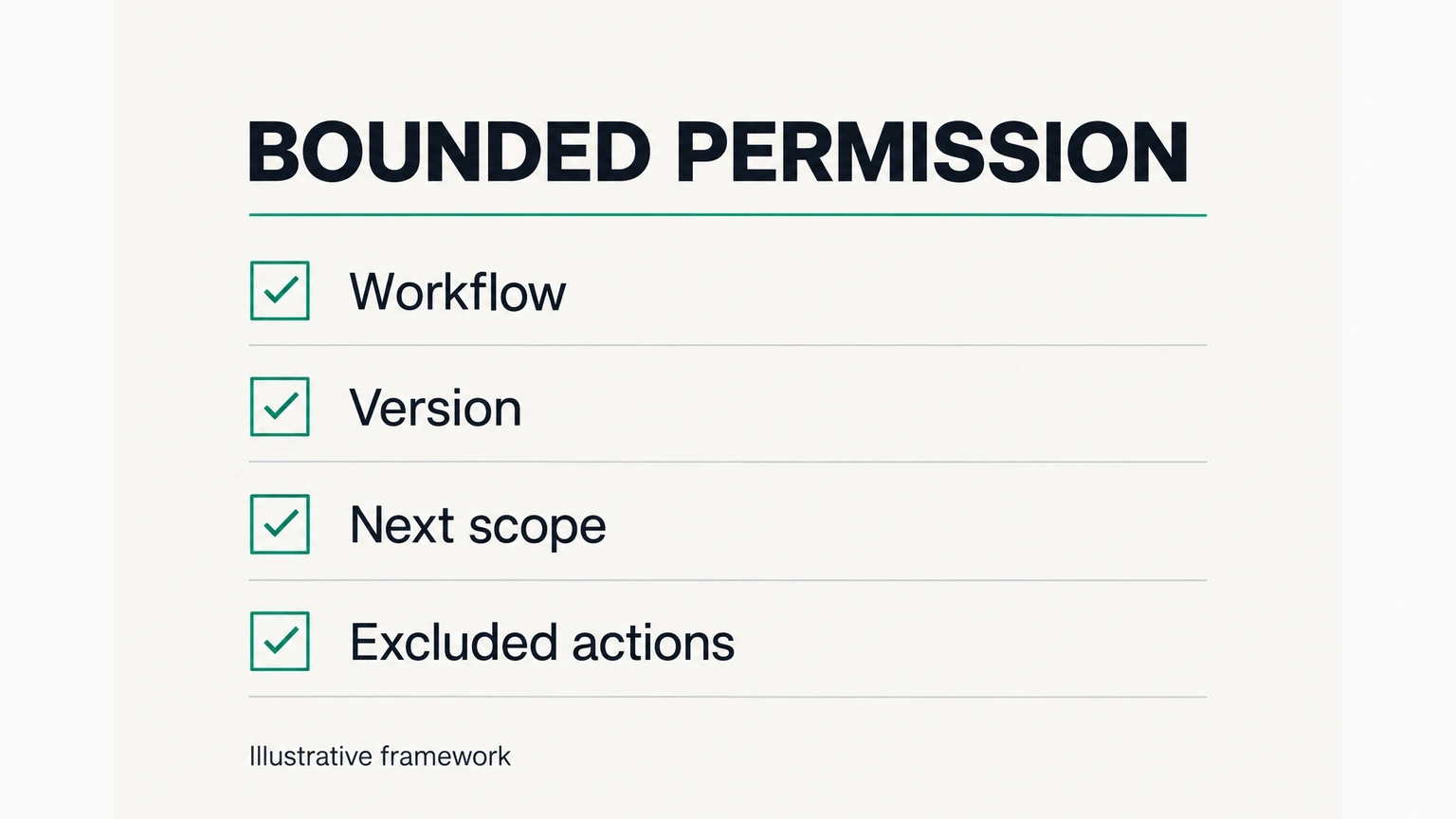
Browserbase-style workflows need additional controls because they may involve credentials, sessions, downloads, form submissions, and private data. The business should define:
- Which websites the agent can access.
- Which accounts or credentials it can use.
- Whether the agent can submit forms or only observe pages.
- What data can be stored after the session.
- What logs are retained.
- Who reviews failures and edge cases.
The safest first pilot is read-only. Let the system collect information, summarize it, and show the work before it changes anything.
ROI: Where Each Tool Can Pay For Itself
The best Firecrawl vs Browserbase decision starts with recovered time or recovered revenue.
Firecrawl can produce ROI when people spend hours gathering web information manually. A salesperson researching accounts, an operator checking vendor pages, or a marketer monitoring competitors can lose meaningful capacity to repetitive browsing. If clean web context saves five to ten hours per week and improves response speed, the business case is straightforward.
Browserbase can produce ROI when people spend hours operating portals or testing web flows. A support team checking order status, an operations team collecting dashboard information, or a growth team testing landing pages can recover time when a browser agent handles repetitive checks safely.
But ROI disappears when the workflow is overbuilt. Do not automate every website interaction. Automate the repeated bottleneck with measurable impact.
A simple pilot scorecard:
| Metric | Target |
|---|---|
| Manual hours removed | At least 3-5 hours per week in one workflow |
| Accuracy | 90%+ useful output before expanding scope |
| Failure visibility | Every failed run has a log and owner |
| Human review | Required before sensitive actions |
| Payback window | 30-60 days for the first use case |
Firecrawl vs Browserbase: Recommended Test Plan
Run a one-week pilot before committing to either tool.
Day 1: Map the workflow. Write the exact manual process: sources, pages, credentials, decisions, outputs, and failure paths.
Day 2: Choose the layer. If the job is reading and cleaning web content, test Firecrawl. If the job requires browser operation, test Browserbase.
Day 3: Build the smallest useful run. Use five sources or one portal flow. Do not start with the entire business process.
Day 4: Measure quality. Review completeness, accuracy, latency, failure rate, and how much human cleanup remains.
Day 5: Add controls. Add source links, logging, retries, approval steps, and a clear escalation path.
Day 6: Estimate cost at real volume. Model pages, sessions, browser hours, retries, review time, and implementation support.
Day 7: Decide. Keep the tool only if it removes a measurable bottleneck and the team knows who owns it.
Related Fixed Labs Resources
If your team is still choosing the automation layer, start with n8n vs Zapier vs Make.com. If your project is more about app building, review Lovable vs Replit and Supabase vs Firebase. If you want the shortcut, the Fixed Labs AI Assessment turns the Firecrawl vs Browserbase decision into a revenue leak map, tool shortlist, 4-day action plan, and ROI summary. For broader vendor research, the Fixed Labs AI tools library and agent infrastructure category can help shortlist options before a pilot.
Frequently Asked Questions
Is Firecrawl or Browserbase better for AI agents?
Firecrawl is usually better when an AI agent needs clean web data. Browserbase is usually better when an AI agent needs to operate a browser, interact with dynamic pages, or complete a multi-step web workflow.
Can Firecrawl and Browserbase be used together?
Yes. A practical architecture can use Firecrawl to collect and clean web context, then use Browserbase when the agent needs a real browser session to verify, navigate, or complete a controlled action.
Which tool is safer for a first business pilot?
Firecrawl is often safer for a first pilot because many use cases are read-only and reviewable. Browserbase can still be safe, but browser agents require stricter permission, logging, credential, and human-approval controls.
Which tool is better for competitor monitoring?
Firecrawl is usually the better first test for competitor monitoring because the job is primarily searching, scraping, crawling, and summarizing public web content.
Which tool is better for logging into portals?
Browserbase is usually the better first test for portal workflows because the job requires a browser session, navigation, and potentially authenticated interaction.
How Fixed Labs Would Choose
Fixed Labs would not start by buying Firecrawl or Browserbase. We would start by mapping the revenue leak.
If the leak is slow research, stale competitive intelligence, weak lead enrichment, or manual copy-paste from public pages, we would test Firecrawl first. If the leak is repetitive browser work, portal checking, QA, or an agent that needs to operate web apps, we would test Browserbase first.
The $999 Fixed Labs AI Assessment turns that decision into a practical plan: a revenue leak map, an AI tool shortlist, a 4-day action plan, and an ROI summary. The goal is not to add agent infrastructure because it is trendy. The goal is to recover time, reduce operational risk, and choose the smallest tool stack that can prove value.