Zapier vs Make.com: Best Automation Tool in 2026
Start With The Workflow, Not The Tool
Most automation problems do not start with software. They start with a small manual handoff that happens too often.
A lead comes in and someone copies it into the CRM. A support ticket needs a category before it reaches the right person. A sales rep needs a follow-up reminder after every meeting. A spreadsheet needs to stay updated without someone babysitting it.
At first, these tasks look harmless. Then volume increases, people miss steps, and the business starts paying for work that software could handle.
That is usually when teams compare Zapier and Make.com.
This guide covers:
- What Zapier and Make.com do.
- How their builders feel different.
- When Zapier is the better first choice.
- When Make.com is the better first choice.
- How tasks, credits, and operations affect cost.
- How AI changes the comparison.
- What to test before putting either tool into production.
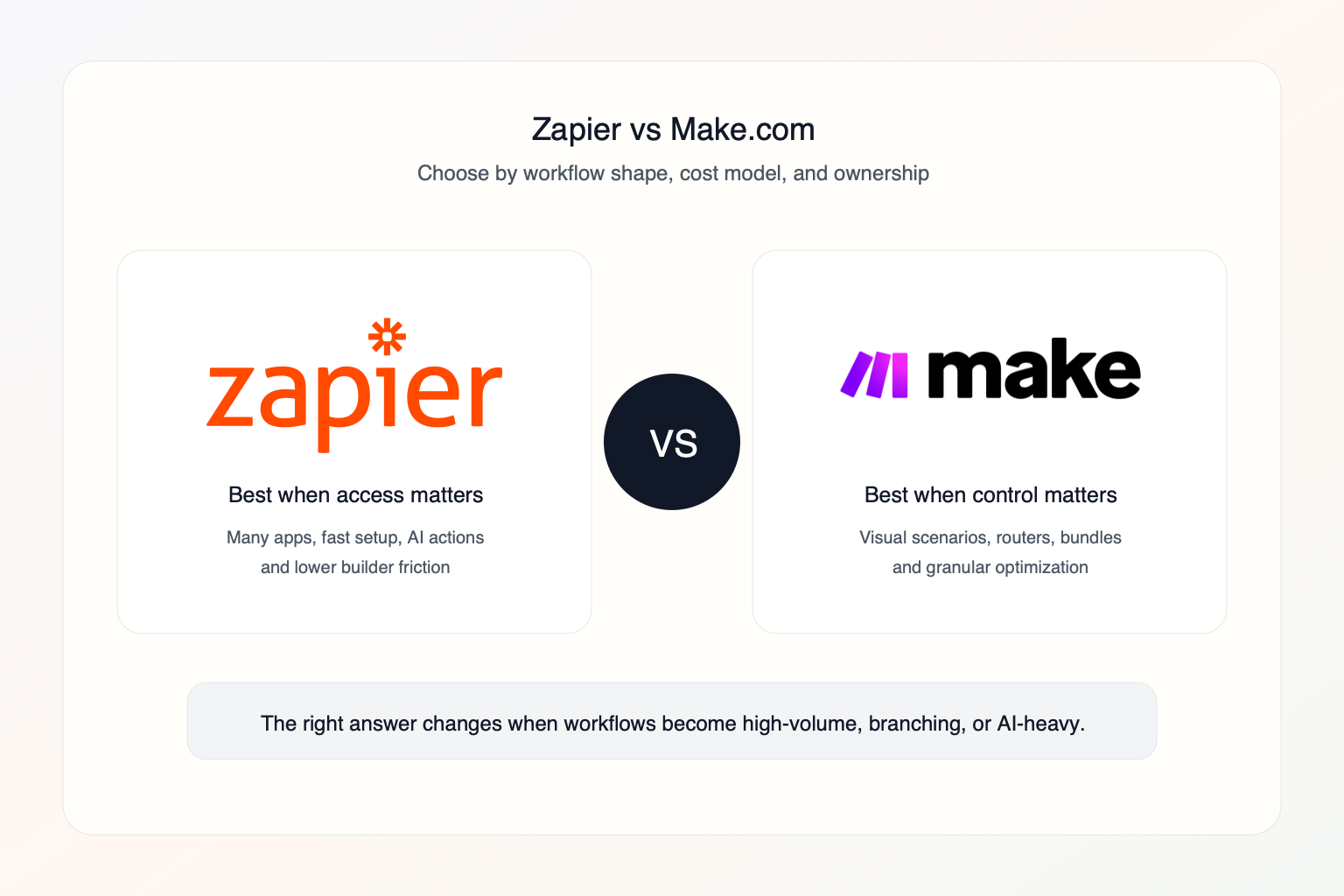
The useful answer is rarely "Zapier is better" or "Make.com is better." The useful answer is: which tool fits this workflow, this team, and this level of risk?
What Zapier And Make.com Actually Do
Zapier and Make.com both connect software tools so work can move without a person copying data by hand.
The common examples are simple:
- A new website lead is added to a CRM.
- A form submission creates a Slack alert.
- A paid invoice updates a spreadsheet.
- A support ticket is categorized with AI.
- A calendar booking starts a follow-up sequence.
The difference is how each platform expects you to build and maintain those workflows.
Zapier workflows are called Zaps. They usually feel like a sequence: a trigger starts the Zap, then one or more actions run. That makes Zapier easier for many teams to understand quickly.
Make.com workflows are called scenarios. A scenario is built on a visual canvas with modules, routers, filters, bundles, and data paths. That makes Make.com easier to inspect when the workflow becomes less linear.
Here are three common workflows in the format a team would actually build:
| Business need | Simple automation pattern | What to watch |
|---|---|---|
| Respond to new leads faster | Form submission -> CRM contact -> Slack alert -> follow-up task | Duplicates, owner assignment, and response-time tracking |
| Triage support requests | New ticket -> AI category -> priority score -> route to queue | Wrong classifications and missing human review |
| Keep reporting updated | New record -> clean fields -> append row -> weekly summary | Broken field mappings and volume-based usage |
As of May 23, 2026, Zapier lists 9,000+ app connections and positions its platform around Zaps, Tables, Forms, Zapier MCP, and AI orchestration.
As of May 23, 2026, Make.com lists 3,000+ apps, routers and filters on the Free plan, Make AI Agents in beta, Make AI Toolkit, Make Code, and a credit-based pricing model.
The Question To Ask Before You Buy
Most comparison articles ask, "Which tool is better?"
That question is too broad.
Ask this instead:
Which tool lets our team build this specific workflow, understand it six months from now, and keep it safe when volume increases?
That question changes the decision. A cheaper tool can be expensive if nobody can debug it. An easier tool can be expensive if every extra action burns usage. A powerful tool can be dangerous if one person builds a maze nobody else understands.
The Workflow Shape Test
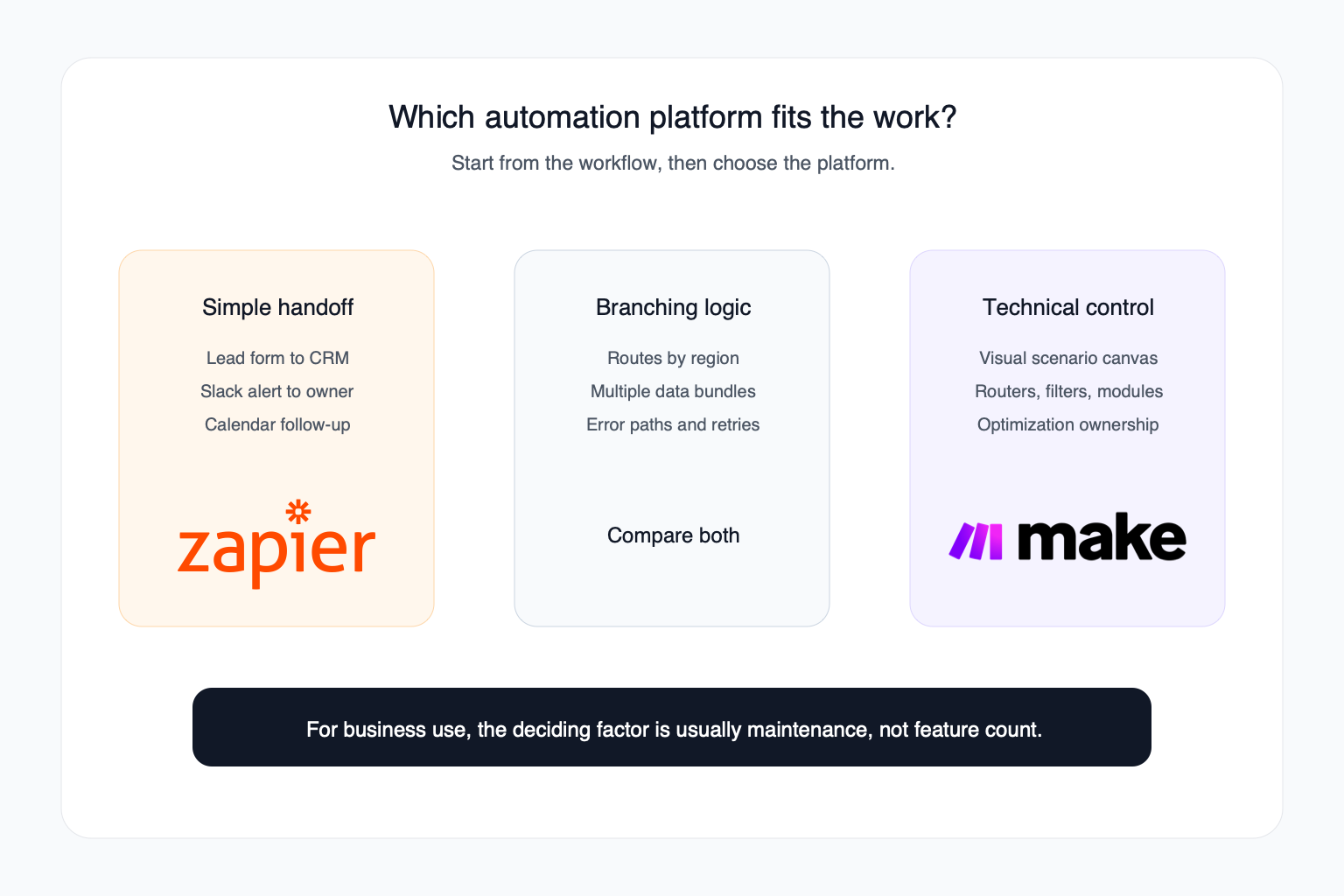
The shape of the workflow usually matters more than the logo.
| Workflow shape | Better first test | Why |
|---|---|---|
| One trigger, one action | Zapier | Fastest to build and explain |
| One trigger, several simple actions | Zapier | Linear workflows are easy to maintain |
| A form lead goes into CRM and Slack | Zapier | Common app handoff with low complexity |
| A lead must be routed by region, budget, source, and urgency | Make.com | Visual routing is easier to inspect |
| One trigger returns many rows, files, or contacts | Make.com | Bundles and aggregators give more control |
| Data must be cleaned before it reaches the CRM | Make.com | Better fit for transformations |
| AI output must be reviewed, scored, routed, and formatted | Make.com | Easier to build a controlled path around AI |
| A team needs the widest app directory | Zapier | Zapier lists more app connections |
| A non-technical manager owns the workflow | Zapier | Lower training friction |
| A technical operator owns automation | Make.com | More control is worth the added complexity |
Zapier vs Make.com: The Practical Difference
Zapier is usually about speed and reach. It helps people connect apps quickly, especially when the automation follows a straight line.
Make.com is usually about visibility and control. It helps people design workflows where data moves through different paths and needs to be shaped along the way.
Here is the practical version:
| Question | Zapier | Make.com |
|---|---|---|
| What does it feel like? | A guided sequence | A visual flowchart |
| What is a workflow called? | Zap | Scenario |
| Where does it shine? | Simple app handoffs | Branching logic and data control |
| Who usually adopts it faster? | Business users | Operators with more technical patience |
| What is easier to explain? | What happens next | Where the data goes |
| What can become messy? | Too many scattered Zaps | Overbuilt scenarios |
| What should you watch? | Task usage and ownership | Credit usage, bundles, and complexity |
Ease Of Use: Who Can Maintain It?
Ease of use is not only about the first build. It is about who can fix the workflow when a field changes, an app disconnects, or the business adds a new exception.
Zapier is easier when the workflow is simple because the builder matches how people describe work: "When a lead comes in, add it to HubSpot, then notify Slack."
Make.com becomes easier later if the workflow has many conditions. Once a Zap has several paths, filters, formatting steps, and exceptions, a visual scenario can be easier to reason through than a long sequence of steps.
So the real answer is:
- Zapier is easier to start.
- Make.com can be easier to inspect when the workflow becomes complex.
Pricing: The Trap In Comparing Monthly Plans
Make.com can be cheaper, but do not stop at the monthly price.
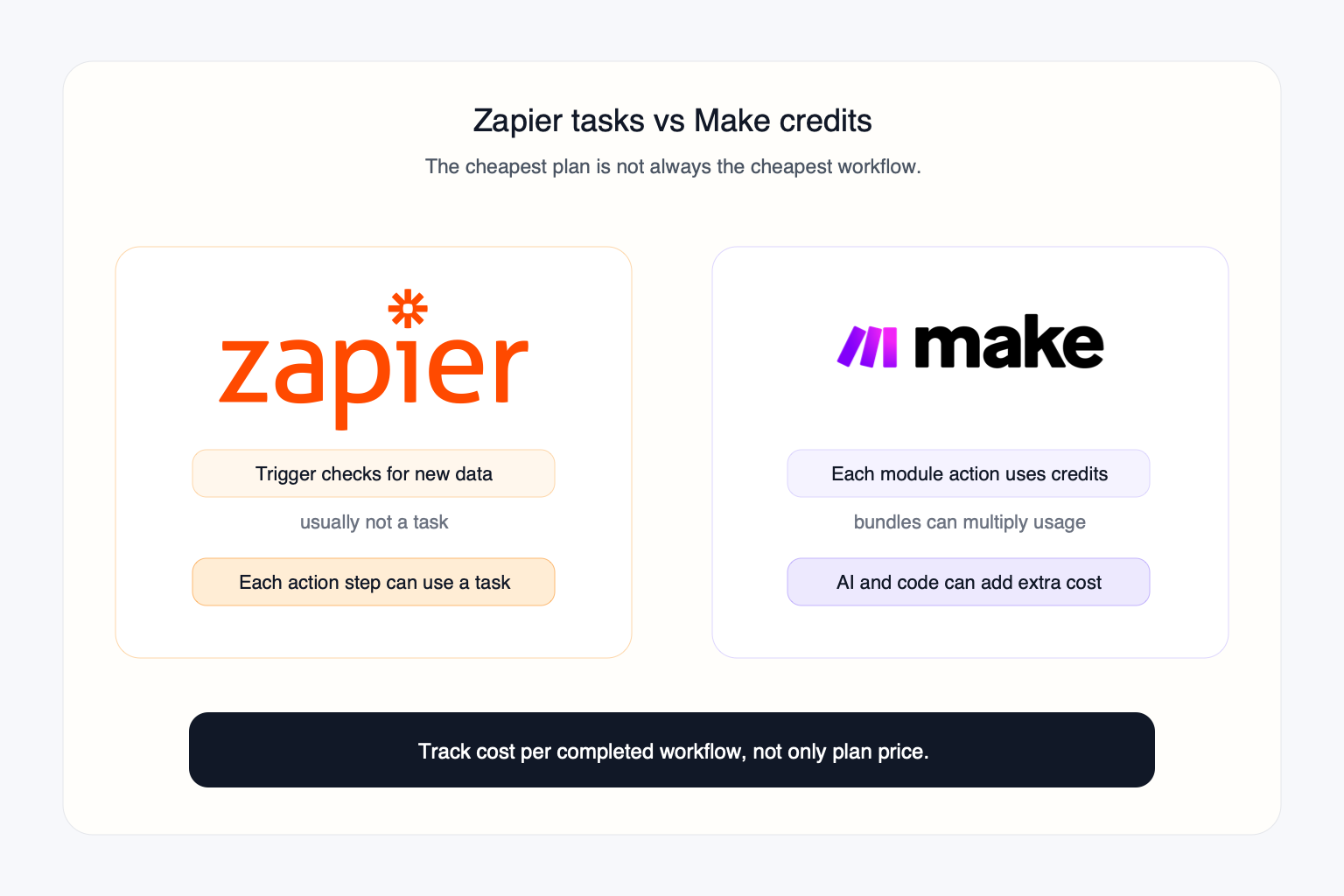
Zapier uses tasks. A task is generally a successful action Zapier completes in another app. Zapier explains that triggers do not count as tasks, and logic or formatting steps may not count the same way. A simple Zap that creates a CRM contact and sends a Slack message may use two tasks when it runs successfully.
Make.com uses credits and operations. Make explains that an operation is a module run that processes or checks data, and credits are the usage currency consumed by scenario activity. For most non-AI apps, 1 operation equals 1 credit. Make also explains that bundles can multiply operations because each returned record may cause later modules to run again.
The pricing question is not:
Which plan is cheaper?
The pricing question is:
How much does one completed business outcome cost after records, retries, AI steps, failed runs, and maintenance?
Cost Example: 1,000 Leads Per Month
Imagine 1,000 new leads per month.
Each lead needs to:
- Create or update a CRM contact.
- Notify the right sales channel.
- Add a follow-up task.
In Zapier, you would estimate how many action steps run per lead. If three successful actions run for each lead, that can become roughly 3,000 tasks before accounting for filters, paths, or exceptions.
In Make.com, you would estimate how many modules run and how many bundles pass through the scenario. If one module returns multiple records, later modules can run once for each bundle, which changes the math.
This is why high-volume workflows need a test run before choosing a platform.
Current Pricing Signals
As of May 23, 2026, Make.com shows these public plan signals:
| Make.com plan | Public pricing signal | Notes |
|---|---|---|
| Free | $0/month | Up to 1,000 credits/month |
| Core | $12/month | Price for 10,000 credits/month |
| Pro | $21/month | Adds priority scenario execution and custom variables |
| Teams | $38/month | Adds teams, team roles, and shared scenario templates |
| Enterprise | Custom pricing | Adds enterprise support, advanced security, and overage protection |
Zapier pricing changes by task tier, billing interval, and add-ons. Its public plan guidance says users can choose task tiers and that higher task tiers reduce cost per task. Verify the current task allowance and add-on details before purchase because pricing pages can change.
For a business, the practical move is to price one real workflow both ways.
AI Automation: Where Each Tool Fits
Both Zapier and Make.com are moving toward AI automation.
Zapier is a strong fit when AI needs to trigger straightforward actions across many business apps. For example: summarize a form response, draft an email, add a CRM note, or send a Slack alert.
Make.com is a strong fit when AI output needs structure and control. For example: classify a lead, route it by urgency, clean the company name, enrich the record, create a review queue, and only then update the CRM.
| AI automation job | Better first test | Reason |
|---|---|---|
| AI summary sent to Slack | Zapier | Fast app handoff |
| AI draft added to Gmail or CRM | Zapier | Easy connection across apps |
| AI lead scoring with routing | Make.com | More control around branches |
| AI extraction from files into structured fields | Make.com | Better fit for data shaping |
| AI workflow with human review before action | Make.com | Easier to design approval paths |
| AI assistant acting across many SaaS apps | Zapier | Stronger orchestration framing |
The most important rule: AI should not be allowed to take sensitive action without a review step. It can draft, classify, summarize, and prepare. Let people approve actions that affect customers, money, legal matters, or sensitive records.
Where Zapier Can Disappoint
Zapier can disappoint when the workflow grows beyond its original simple idea.
Common problems:
- A small Zap turns into a long chain of actions.
- Many teams create Zaps with no central owner.
- Task usage grows faster than expected.
- Similar Zaps get duplicated instead of consolidated.
- Nobody knows what will break if a connected account expires.
Zapier is still useful. The point is to avoid letting easy setup become hidden operational debt.
Where Make.com Can Disappoint
Make.com can disappoint when the scenario becomes too clever.
Common problems:
- A visual canvas becomes hard to read.
- One technical person understands the scenario and nobody else does.
- Bundles multiply operations in ways the team did not expect.
- Error handling is skipped because the first demo worked.
- AI modules add variable usage that nobody monitors.
Make.com is powerful, but the power has to be organized. Name modules clearly, group logic, document decisions, and keep a business owner attached to the workflow.
Which Tool Should Different Teams Pick?
| Team situation | Recommendation |
|---|---|
| Founder needs one quick lead notification | Start with Zapier |
| Marketing wants simple form-to-CRM flows | Start with Zapier |
| Sales ops needs lead routing by several rules | Test Make.com |
| Support team wants AI ticket classification | Test Make.com if routing matters; Zapier if alerts are simple |
| Finance wants invoice alerts only | Start with Zapier |
| Operations needs multi-step data cleanup | Test Make.com |
| Team has no automation owner | Start smaller, likely Zapier |
| Team has a technical operator | Make.com may be worth the control |
Should You Use Both?
Sometimes, yes.
A practical split is:
- Use Zapier for simple user-facing handoffs.
- Use Make.com for heavier backend scenarios.
- Keep a single automation inventory so the same workflow is not built twice.
- Assign one owner for every automation, no matter which tool runs it.
Using both becomes a problem when teams cannot tell which platform owns a customer record, notification, or update.
Security: Treat Automations Like Access To Your Business
Zapier and Make.com are not just productivity tools once they touch real business systems. They can read customer records, move files, send emails, update CRMs, create invoices, call APIs, and trigger AI tools.
The risk is not only a bad automation. The risk is a bad automation that runs hundreds of times.
| Risk | What it means | Safer setup |
|---|---|---|
| Connected accounts | A workflow can act as a real user | Use dedicated service accounts |
| Customer data | Data can move into the wrong app | Limit fields and destinations |
| AI steps | AI can produce wrong classifications | Add human review for sensitive outputs |
| Outbound messages | Automations can email customers | Require approval before sending |
| Workflow ownership | Nobody knows what a Zap or scenario does | Name, document, and assign every automation |
| Cost overruns | High volume can trigger unexpected usage | Set alerts and review usage weekly |
How To Test Both Tools In One Week
Do not choose the platform in a meeting. Test one workflow.
Day 1: Write the manual process.
Day 2: Build the smallest Zapier version.
Day 3: Build the smallest Make.com version.
Day 4: Run 20 to 50 realistic test records.
Day 5: Count tasks, credits, failures, and manual fixes.
Day 6: Ask a second person to understand and edit the workflow.
Day 7: Decide based on cost, clarity, risk, and ownership.
The best automation platform is the one your team can keep working after the first demo.
Good First Automations
Start with workflows that are useful but not dangerous.
Good first tests:
- Lead capture into CRM.
- Internal Slack or email alerts.
- Meeting summary routing.
- Simple customer support triage.
- Weekly reporting drafts.
- Invoice status reminders.
- Marketing campaign handoffs.
- Spreadsheet cleanup with review.
Avoid first tests that can cause real damage:
- Payments.
- Refunds.
- Legal decisions.
- Production database writes.
- Customer emails without approval.
- Medical or financial decisions.
- Anything that changes sensitive records without review.
Frequently Asked Questions
What is the difference between Zapier and Make.com?
Zapier is usually simpler for fast app-to-app automations. Make.com usually gives more control for workflows with branches, data transformation, repeated records, and higher-volume logic.
Is Zapier or Make.com better for a small business?
Zapier is usually better when a small business wants a quick automation that a non-technical person can maintain. Make.com is usually better when the workflow already has branching, cleanup, or a technical owner.
Is Make.com cheaper than Zapier?
Make.com can be cheaper for high-volume workflows, but only if the scenario is designed carefully. Zapier can still be worth it when faster setup and easier maintenance matter more than raw usage cost.
Why do people still choose Zapier if Make.com has more control?
People choose Zapier because it is easy to start, has broad app coverage, and is often easier for non-technical teams to maintain. More control only helps if someone can own it.
What is a Zapier task?
A Zapier task is usually a successful action Zapier completes in another app after a trigger runs, such as creating a contact, sending an email, or posting a message.
What is a Make.com credit or operation?
In Make.com, an operation is a module run that processes or checks data. Credits are the usage currency consumed by scenario activity. For most non-AI apps, one operation equals one credit, but AI and advanced features can vary.
Which is better for AI automation?
Zapier is usually better for simple AI actions across many apps. Make.com is usually better when AI output needs review, routing, cleanup, or structured data handling before the next step.
Can I switch from Zapier to Make.com later?
Yes, but switching is easiest when automations are documented. Track every trigger, action, connected account, field mapping, owner, and usage pattern before migrating.
Do Zapier and Make.com require a developer?
Simple workflows usually do not require a developer. Workflows that touch APIs, payments, complex data cleanup, customer data, or many branches should have a technical owner.
Are Zapier and Make.com safe for business workflows?
They can be safe when connected with limited permissions, clear owners, logs, test data, and approval steps. They become risky when they can change records, send messages, or spend money without review.
How Fixed Labs Would Choose
For a client, we would not start with a platform recommendation.
We would start by mapping one workflow, counting monthly volume, scoring the risk, and building a small test in the tool that best matches the workflow shape.
Zapier is often the right first move when the business needs a simple win this week. Make.com is often the right first move when the workflow is already messy and needs a clearer operating system.
Fixed Labs can help identify which workflows are worth automating, estimate the business impact, compare the real tool cost, and build a controlled pilot before automation touches sensitive systems.