Devin Desktop vs Claude Code: Choose the Right Setup
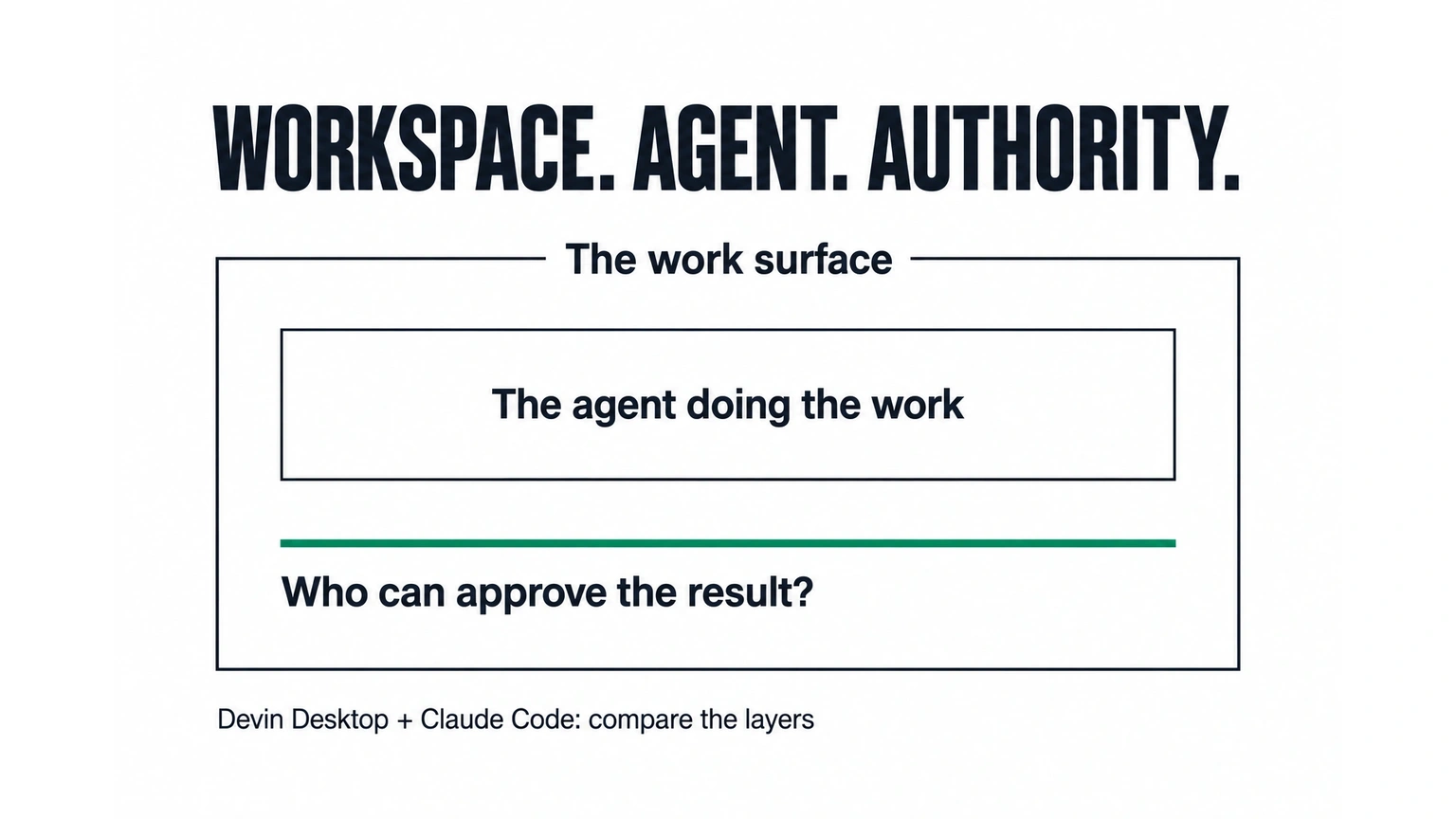
Devin Desktop and Claude Code overlap, but they are different buying decisions. Devin Desktop combines an IDE with a place to manage coding agents. Claude Code is a coding agent available across several work surfaces. Choose the setup around where work runs, what it can access, and how your team approves the result—not the appearance of the chat panel.
For a small engineering team, the useful question is concrete: can this setup finish a bounded change in your repository and leave a result someone can confidently review? A convincing demo is a starting point. It does not answer who owns the environment, what happens after an interruption, or which permissions reach production.
This comparison was researched on October 8, 2026 using the vendors’ public documentation. It is a selection framework, not a hands-on speed benchmark. Fixed Labs provides AI assessments and implementation advice; that commercial perspective informs the evaluation criteria below.
What the two products actually cover
Devin’s official Desktop page describes a full IDE, management of local and cloud agents, and Agent Client Protocol support. It also describes Spaces that share context and Git worktrees. Those are work-environment and coordination capabilities. They should not be confused with the quality of every agent or model you connect.
Anthropic’s Claude Code overview describes a coding tool that reads a repository, edits files and runs commands. It offers terminal, IDE, desktop and browser surfaces. A comparison that calls Claude Code “terminal only” misses the current product.
The distinction matters when a team already has a working editor and wants an agent, versus a team trying to coordinate several agent sessions in a shared working environment. Verify the specific integration you plan to use. This guide does not establish that every Claude Code feature is available through a particular ACP connector.
For broader background, read our Devin Desktop review and Claude Code vs Cursor comparison. This page focuses on the boundary between workspace, agent and approval authority.
A five-question worksheet for your repository
Use the same small change and the same review standard when evaluating either setup. The worksheet is our recommended assessment method, not a vendor benchmark or a record of customer results.
| Question | Evidence to request | Decision it changes |
|---|---|---|
| Where does the change run? | The actual checkout, branch and execution environment | Whether the setup fits your data and operating constraints |
| What can it access? | Effective file, command, network and credential permissions | Whether the proposed task is appropriately bounded |
| What survives an interruption? | Saved diff, work state and a clear resume procedure | Whether a longer task creates reliable progress |
| How is the result checked? | The agreed repository checks, their outputs and the remaining uncertainties | Whether the change is reviewable rather than merely generated |
| Who can approve the next action? | Named reviewer and explicit merge, deploy or external-action boundaries | Whether assistance silently becomes production authority |
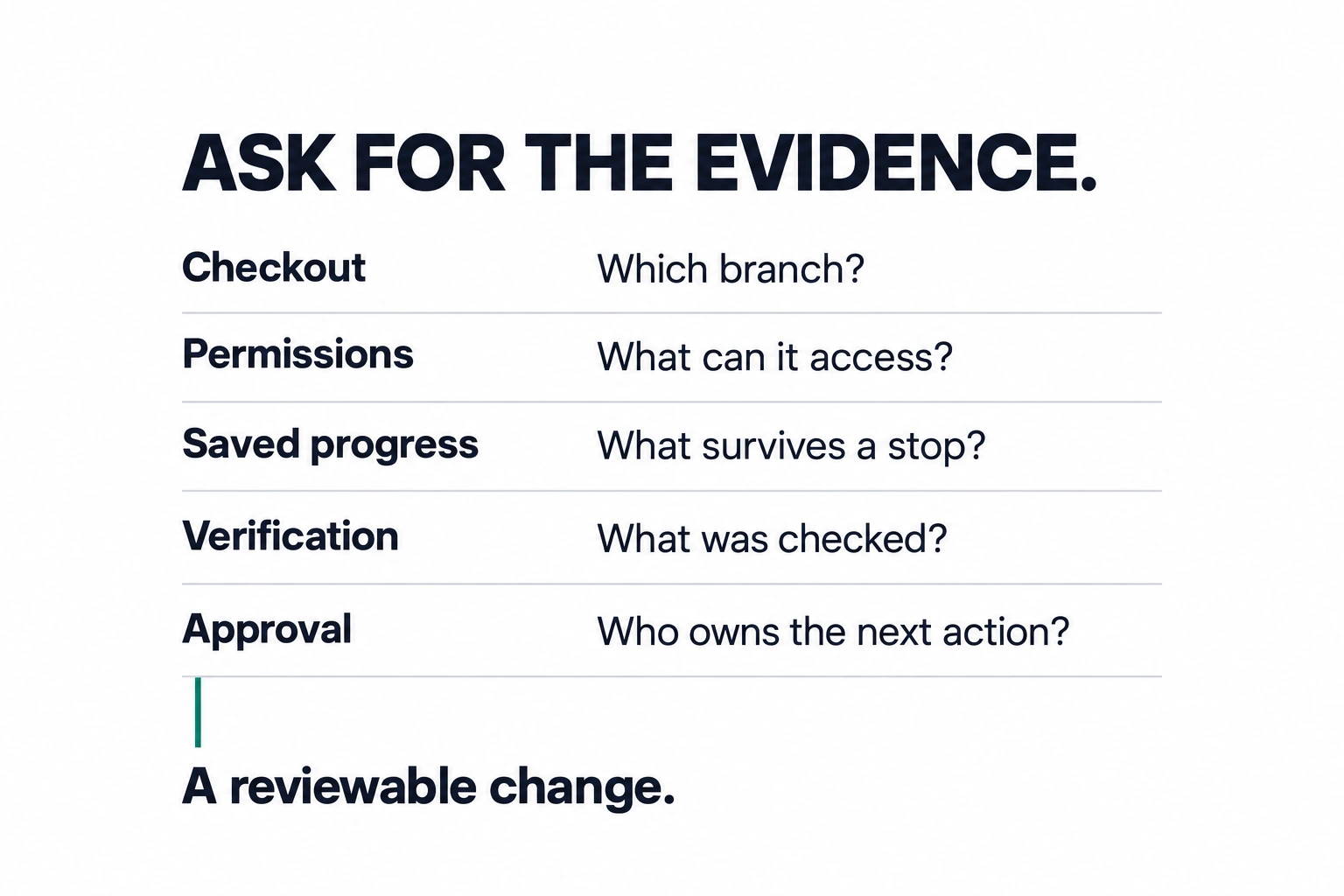
Do not score an unanswered question as a product failure. Mark it unknown and ask for the missing evidence. Equally, do not award a pass because a feature exists somewhere in the vendor’s documentation: the relevant evidence is the configuration your team will actually buy and operate.
Separate three decisions before selecting a plan
The workspace is where an engineer navigates the repository, reads a diff and manages sessions. A team comfortable with its existing editor may have little reason to change that surface. Another team may care more about keeping several ongoing changes visible in one place.
The agent determines how work is planned and carried out within the permitted environment. Evaluate its handling of your actual task: understanding existing code, preserving unrelated changes, explaining uncertainties and producing a coherent diff. An attractive workspace cannot compensate for a poor result. A capable agent still needs a usable review process.
The authority boundary determines which actions need a person. Editing a feature branch, merging a change and deploying it are separate decisions. Write them down before granting credentials. A vendor’s ability to perform an action is not your team’s decision to permit it.
These layers can be combined in different ways. Ask your evaluator to show each one explicitly rather than treating an all-in-one product name as the answer to every question.
Use one bounded change, with a realistic interruption
Choose a small issue that has a clear expected behavior: for example, a missing empty state in an internal application. Give the evaluator the relevant repository instructions, the intended result and an agreed verification method. Keep production secrets and private customer records outside the exercise.
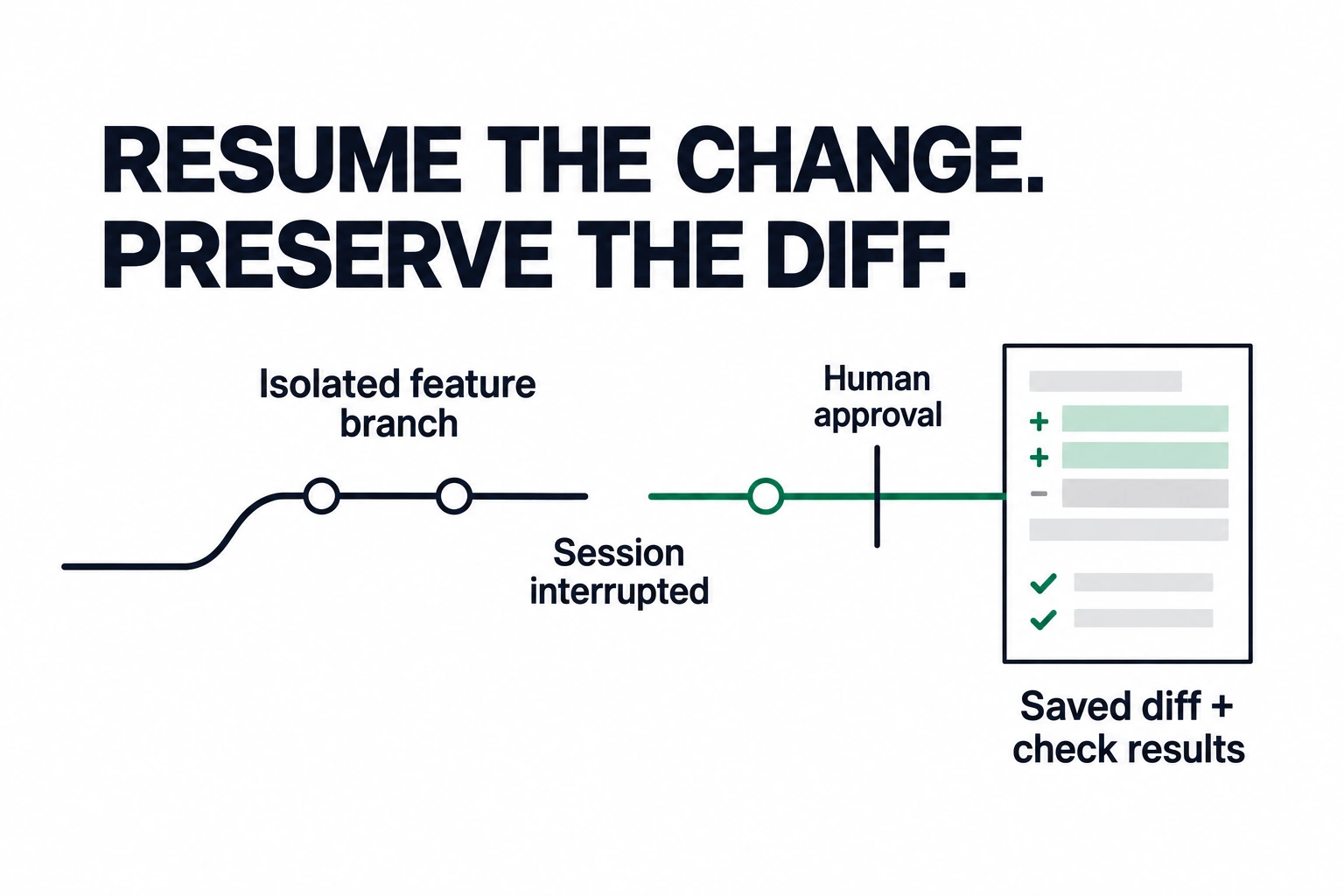
Record the starting revision and allow work on an isolated branch. Then inspect three artifacts: the changed files, the verification output and the explanation of what remains uncertain. Compare the final behavior with the original request. Do not use lines of code or the length of an agent’s explanation as a success measure.
Include an interruption before completion. Ask the operator to resume from the saved state. Does the second session understand what already changed? Does it preserve the previous diff? Can it show which checks ran and which still need to run? This exercise exposes an operating problem that a clean first-run demo often misses.
Finally, require a reviewer to decide whether the change is acceptable. Track the time needed to understand and correct it. The useful output is an accepted change with explainable boundaries, not an impressive-looking patch that transfers cleanup to another engineer.
Which setup should a team evaluate first?
Evaluate Devin Desktop first when your main problem is coordinating agent work and reviewing changes within a full coding environment. Its published work-surface capabilities make that a relevant starting point. Confirm the agents, connectors and execution settings you need before committing to a rollout.
Evaluate Claude Code first when your main problem is adding an agent to the way your team already develops software. Choose the relevant terminal, IDE, desktop or browser surface; do not assume they provide identical operating conditions. Verify permissions and task continuity in the surface you select.
Evaluate a combined setup only when you can explain the benefit of each layer. More interfaces and connectors add ownership questions. If two tools duplicate the same job without improving accepted output or review time, the extra moving parts need a clearer justification.
Neither route removes the need for repository instructions, explicit access limits and a responsible reviewer. No public feature comparison can determine which agent will perform best on your codebase without an appropriate evaluation.
Bring a real workflow to the assessment
If your team is choosing a coding-agent setup, bring one recurring engineering task, the repository constraints and the result you want to improve. Fixed Labs can help map the work surface, agent and approval boundaries before a wider implementation.
Start a Fixed Labs AI assessment. The purpose is to decide what is worth automating, what evidence would justify the choice, and who should own the result.