Susan vs Devin: AI Employee or AI Software Engineer?
Susan vs Devin: The Short Answer
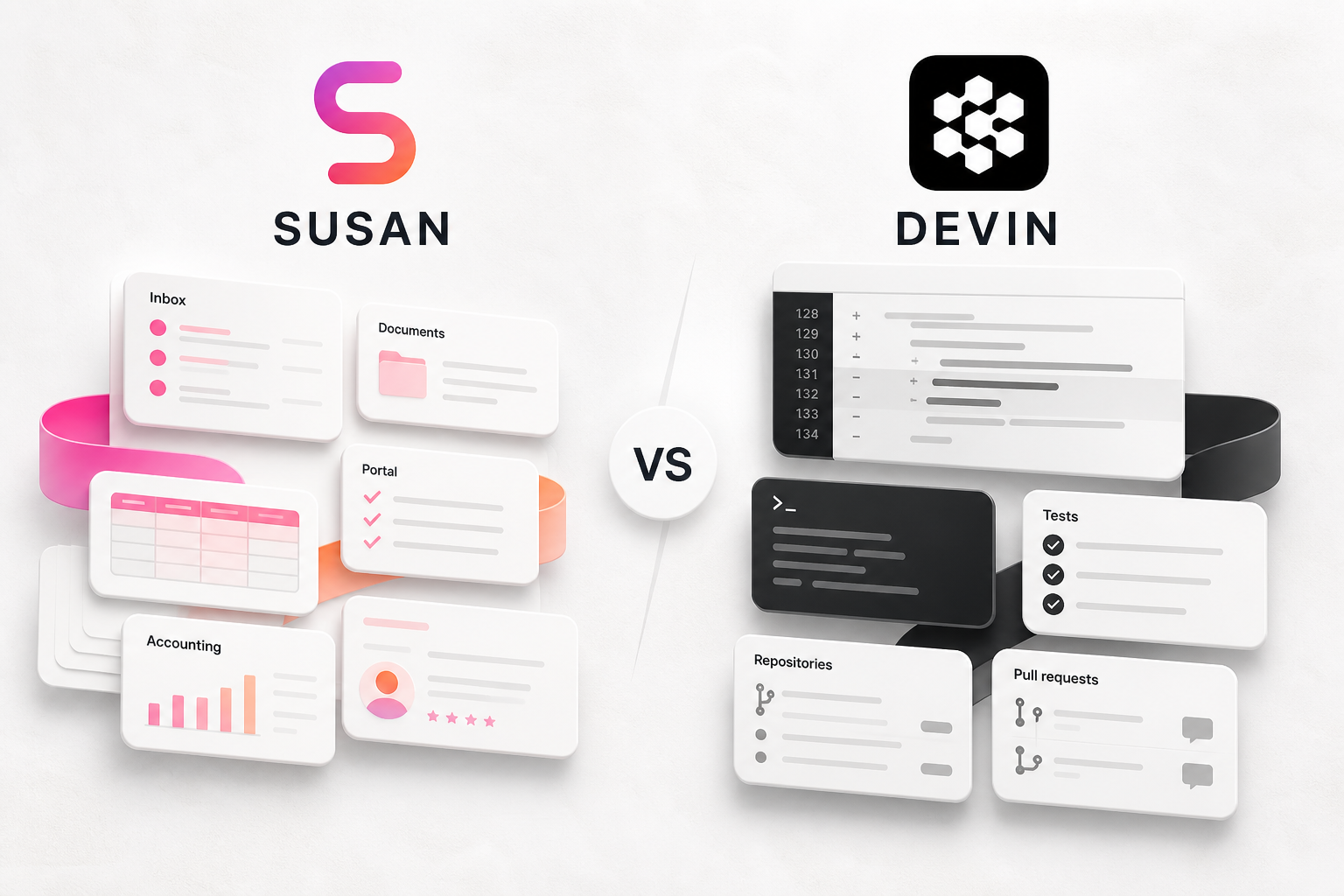
Susan vs Devin looks like a comparison between two AI workers. In practice, it is a decision between two different job descriptions.
Devin is an AI software engineer. Its natural work surface is the software-development lifecycle: repositories, tickets, code, tests, pull requests, migrations, and engineering review.
Susan is a fully managed AI employee for recurring business work. Its natural work surface is the operating layer of a company: inboxes, calendars, CRMs, accounting platforms, documents, spreadsheets, websites, portals, and the chat channels employees already use.
The cleanest verdict is:
- Choose Devin when the job is to change software and a qualified engineer can review the result.
- Choose Susan when the job is to complete recurring operational work and a business owner needs observable evidence that the work was done.
- Use both when engineering output and business operations are separate lanes inside the same company.
That is why this is not a conventional winner-and-loser article. Devin may be the better autonomous engineer. Susan may be the better managed employee for a non-technical team. The right answer depends on the work.
Susan vs Devin Comparison Table
| Decision area | Susan | Devin |
|---|---|---|
| Primary job | Recurring business operations | Software engineering |
| Best-fit team | Operations, finance, sales, service, administrative teams | Engineering, product, platform, and IT teams |
| Main work surfaces | Business apps, inboxes, documents, portals, websites, spreadsheets | Code repositories, terminals, IDEs, tickets, tests, pull requests |
| Typical output | Updated records, collected documents, completed portal work, reports, follow-ups | Code changes, tests, migrations, fixes, technical analysis, pull requests |
| Setup model | Fully managed provisioning, configuration, maintenance, and onboarding | Product subscription; enterprise support and deployment options available |
| Non-technical adoption | Designed for teams that delegate through familiar channels | Requires technical task scoping and engineering review for serious code work |
| Oversight | Watch on-screen work, take over, review completed work, route exceptions | Review plans, diffs, tests, CI results, and pull requests |
| Recurring work | Built around scheduled and repeating responsibilities | Automations can trigger engineering sessions and backlog work |
| App reach | More than 3,000 business app connections plus a dedicated computer | Engineering stack integrations including repositories and team tools |
| Pricing signal | Custom; discuss the workflow with Susan | Free, Pro, Max, Teams, and custom Enterprise plans |
| Best question to ask | Can we verify that the business task was completed correctly? | Can an engineer verify that the code change is safe and correct? |
Why Comparing Them Is Useful Even Though They Are Different
Devin helped popularize the idea that an AI agent should do work, not merely answer questions. That idea now extends far beyond software engineering.
The problem is that many business buyers hear “AI employee” and assume every capable agent belongs in the same category. They do not.
A code agent needs a repository, technical context, test coverage, acceptance criteria, and someone qualified to review the change. A business-operations agent may need a shared inbox, a client portal, accounting records, a spreadsheet, a CRM, a recurring schedule, and a manager who can confirm the business outcome.
Both agents benefit from good instructions and human review. But the proof of completion is different:
| Agent job | Useful proof |
|---|---|
| Fix a software bug | Diff, passing tests, CI status, reviewed pull request |
| Collect missing client documents | Missing-item list, source links, files saved to the correct location, exceptions flagged |
| Update a CRM | Record IDs changed, before-and-after values, unresolved conflicts |
| Prepare a financial review packet | Source documents, completed checklist, exception queue, reviewer sign-off |
| Run a portal workflow | Timestamped completion, downloaded or uploaded artifact, visible confirmation state |
The best AI-agent deployments are not built around the most impressive demo. They are built around the clearest definition of done.
What Devin Is Designed To Do
Devin’s official positioning is direct: it is an AI software engineer. It can work through engineering tasks asynchronously, use development tools, write and test code, and collaborate with engineering teams.
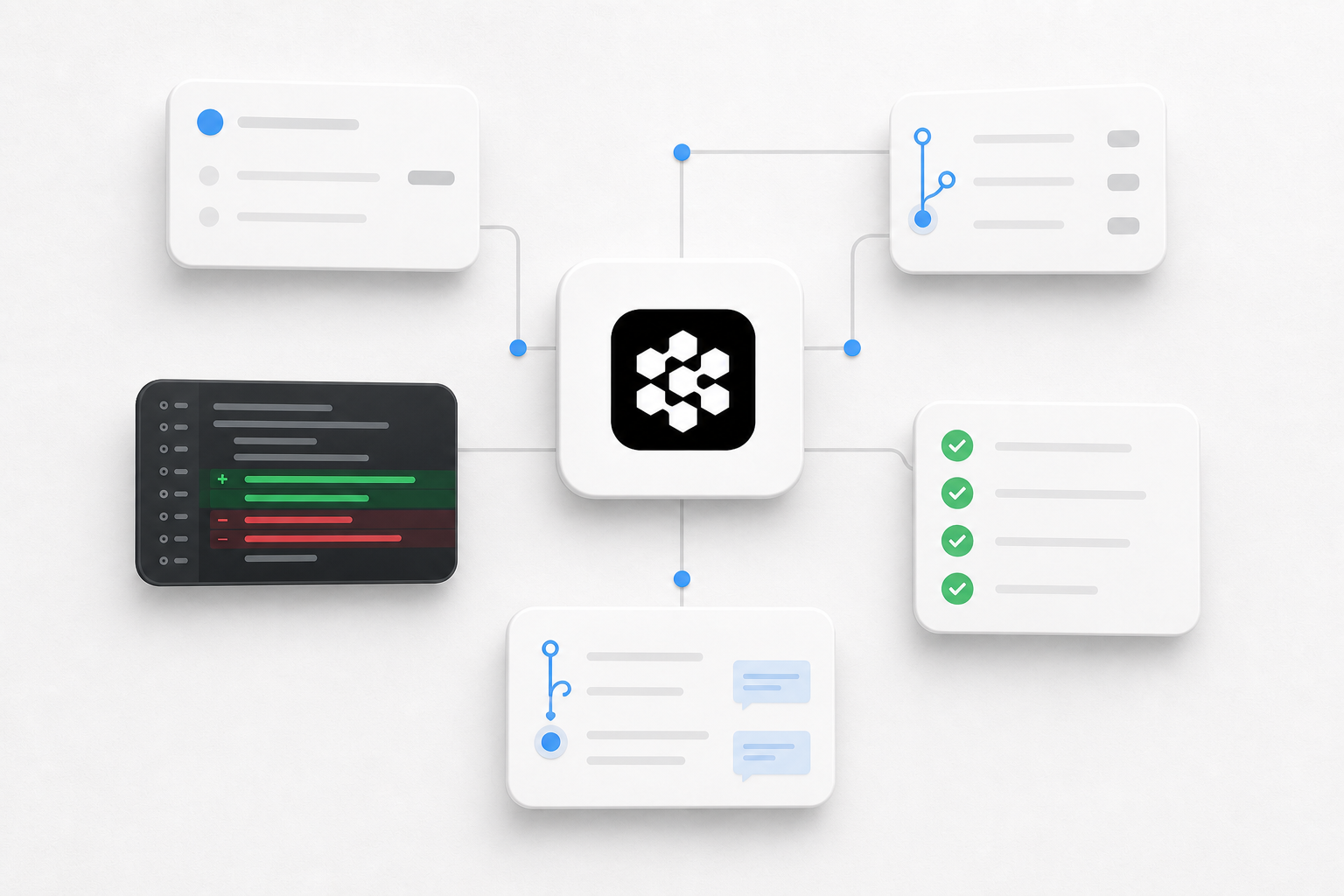
Good Devin-shaped work includes:
- Implementing a well-scoped ticket
- Fixing a reproducible bug
- Writing or updating tests
- Performing dependency upgrades
- Handling repetitive migration work
- Investigating a codebase and preparing a technical change
- Opening a pull request for human review
Cognition’s own performance review of Devin makes an important point: Devin performs best with clear requirements, while human review remains necessary when quality is not straightforwardly verifiable. Devin’s Enterprise documentation also recommends code review, branch protection, and normal engineering validation because an AI agent can still introduce bugs or suggest insecure practices.
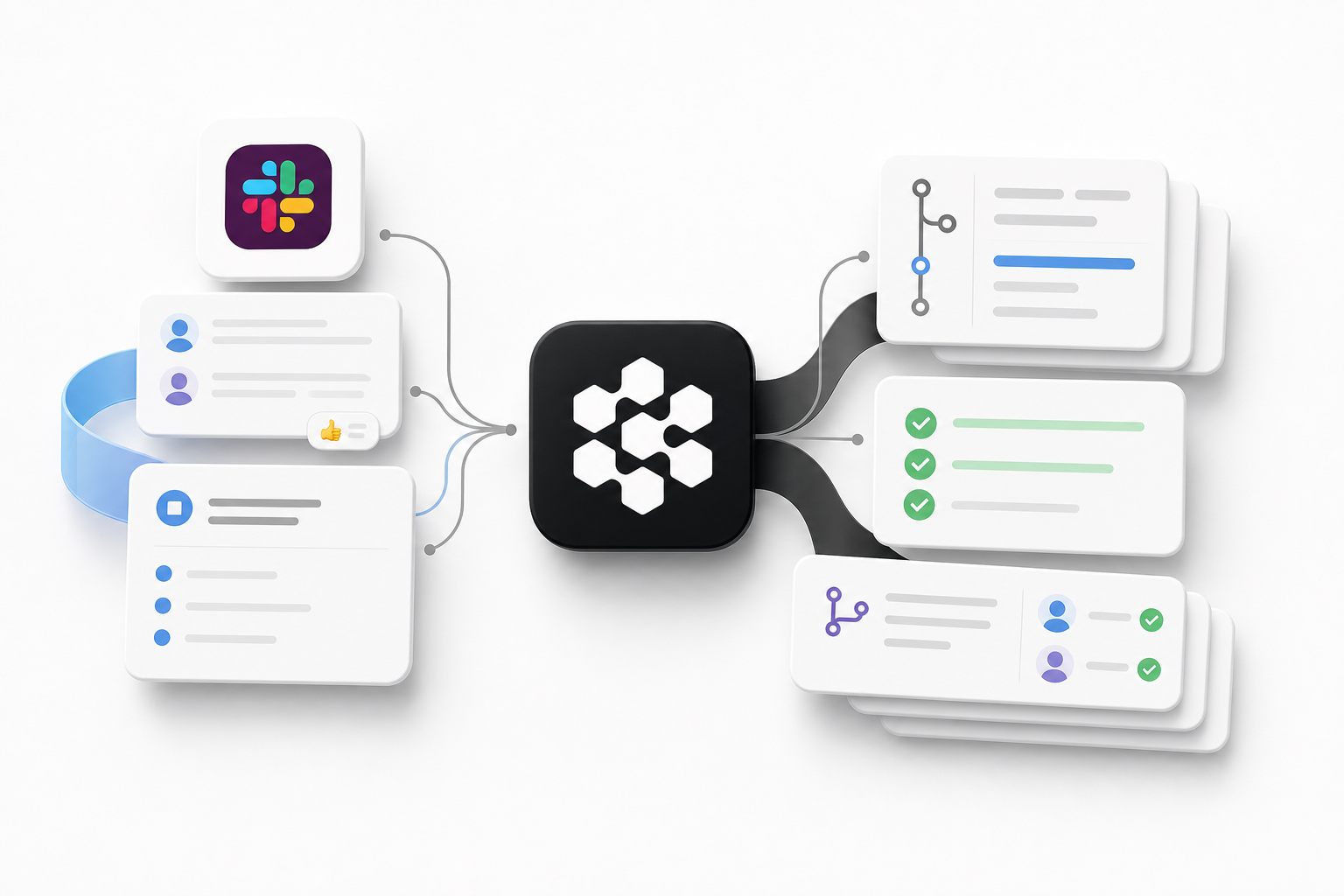
That is not a reason to dismiss Devin. It is a reason to deploy it like an engineering system rather than a magical replacement for technical leadership.
Who Should Seriously Evaluate Devin?
Devin is a credible fit when a company has:
- A real software-development organization
- A backlog of bounded, delegatable engineering work
- Repositories with tests and CI
- Engineers who can write acceptance criteria
- Review capacity for agent-generated pull requests
- A way to measure accepted work rather than generated code volume
If nobody inside the company can review architecture, security, maintainability, and whether the code solves the intended product problem, buying a more autonomous coding agent does not remove that gap.
What Susan Is Designed To Do
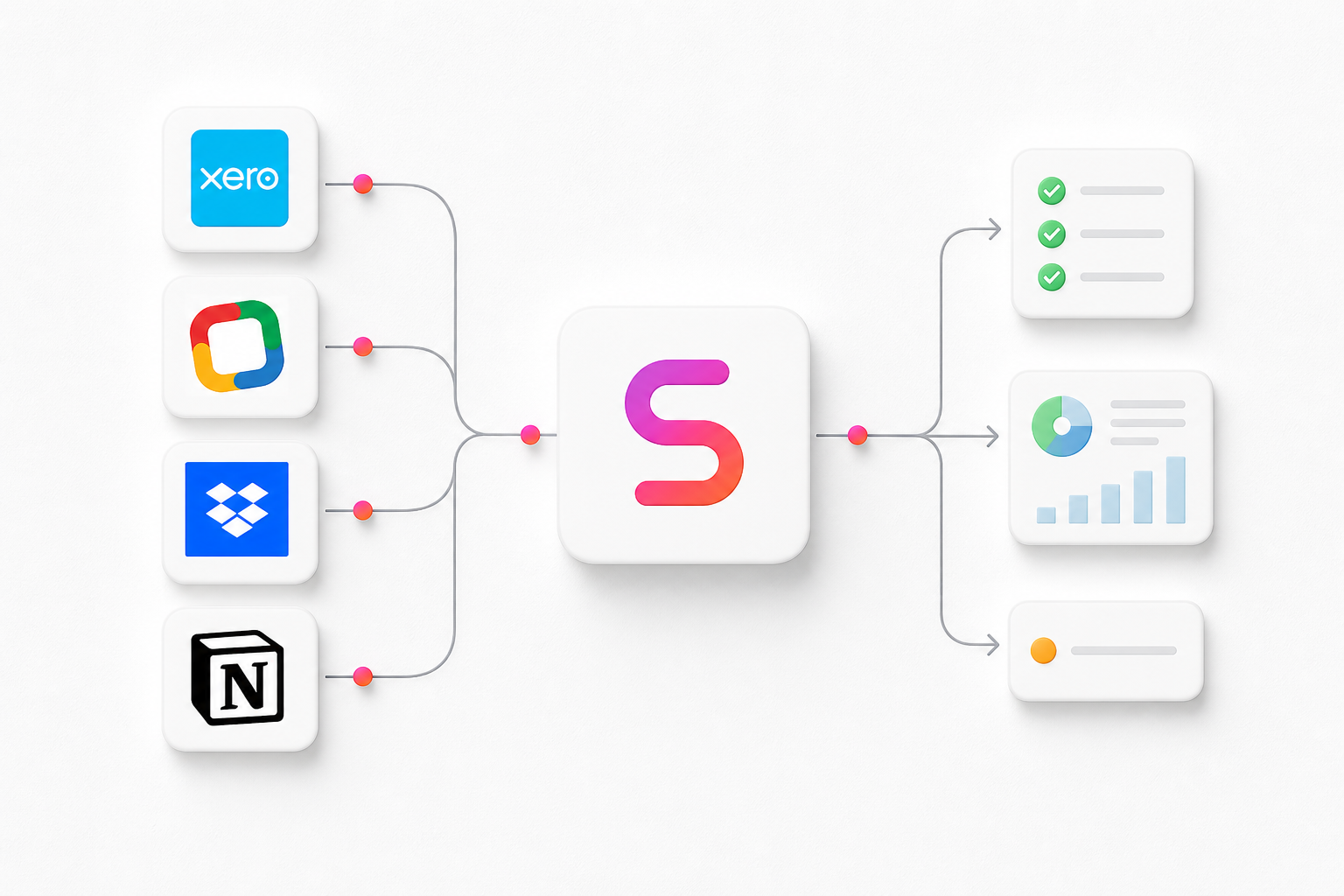
Susan starts from a different premise: much of the work slowing down a company happens across ordinary business software, not inside a code repository.
The Susan platform combines more than 3,000 business app connections with a dedicated managed computer for workflows that still require websites, logins, uploads, downloads, portals, and visual software. Employees can assign work through familiar channels including Slack, Microsoft Teams, WhatsApp, Telegram, Discord, and Zoho Cliq.
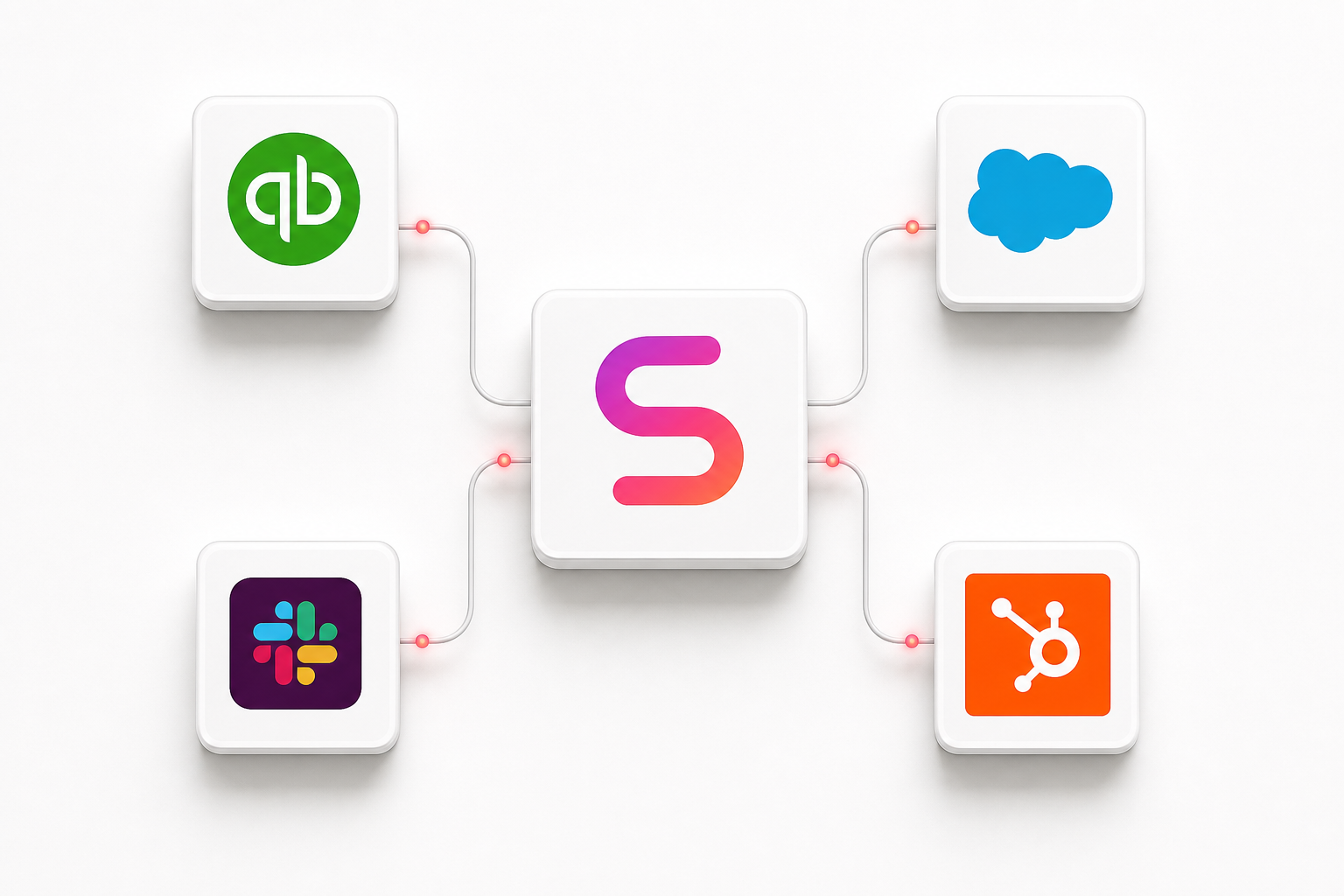
Good Susan-shaped work includes:
- Monitoring inboxes and service requests
- Collecting missing documents and following up
- Updating CRM, accounting, or operational records
- Preparing recurring reports and review packets
- Working through websites and client portals
- Uploading, downloading, organizing, or reconciling files
- Escalating unusual cases when human judgment matters
Susan is also fully managed. The Susan team provisions the computer, configures the agent, maintains it, keeps it online, and helps the customer establish the workflow. That operating model is especially relevant to firms that want useful AI capacity without hiring an internal agent-infrastructure team.
Why Susan Fits Non-Developer Teams
Most non-technical teams do not want an IDE, a terminal, or another automation builder. They want to assign a responsibility in a channel they already use and receive finished work they can inspect.
Susan’s interface is therefore less about “prompting an agent” and more about managing a role:
- Define what Susan owns.
- Connect the approved apps and work surfaces.
- Specify what completion looks like.
- Define when Susan should stop and ask.
- Review the output and improve the procedure.
The computer is visible when work happens on-screen. A person can watch, intervene, or take over. That matters when the workflow includes a portal, a visual confirmation, an unexpected login state, or a step that cannot be reduced to a clean API call.
The Verifiable-Work Test
“Autonomous” is an exciting word. Verifiable is a more useful buying criterion.
Before assigning work to Susan, Devin, or any other agent, define a five-part proof packet:
| Proof element | Question |
|---|---|
| Source | What information or system should the agent use? |
| Action | What exactly is the agent allowed to change or produce? |
| Artifact | What file, record, diff, report, or confirmation proves completion? |
| Exception | Which conditions require the agent to stop and escalate? |
| Reviewer | Who is qualified to accept the result? |
This framework makes the Susan vs Devin decision easier.
For Devin, the proof packet may be a scoped issue, a code diff, passing tests, CI, and an engineer’s approval.
For Susan, it may be a folder of collected documents, a missing-item report with source links, updated system records, an exception list, and an operations manager’s approval.
The shared principle is simple: do not measure an AI employee by how busy it looks. Measure accepted outputs and the amount of human cleanup left behind.
Pricing: A Product Subscription Versus A Managed Operating Model
As of August 19, 2026, Devin’s pricing page lists Free, Pro at $20 per month, Max at $200 per month, Teams with an $80 monthly minimum and $40 monthly full developer seats, and custom Enterprise pricing. Usage allowances and additional usage vary by plan and workload.
Susan does not publish a standard price on its website. The company asks prospective customers to discuss the workflow and fit because the service includes managed provisioning, setup, connections, maintenance, and operational support.
That makes a sticker-price comparison misleading. Buyers should model total operating cost:
- Who scopes the work?
- Who configures access and integrations?
- Who monitors failures?
- Who updates instructions when the process changes?
- Who reviews the outputs?
- What is the cost of mistakes or incomplete work?
- How much internal technical ownership is required?
Devin is closer to a software product with enterprise service options. Susan is closer to managed operational capacity delivered through an AI-employee platform.
Choose Devin When
Choose Devin first when:
- The work ends in code, tests, or a pull request
- Your buyer and reviewer are engineers
- The team has clear tickets and acceptance criteria
- Repository permissions, CI, and branch protections are already mature
- Your goal is engineering throughput, modernization, migrations, or backlog reduction
Do not choose Susan as a substitute for a dedicated coding agent when software engineering is the actual job.
Choose Susan When
Choose Susan first when:
- The work crosses inboxes, documents, accounting tools, CRMs, portals, or websites
- The team doing the work is operational rather than technical
- The responsibility repeats hourly, daily, weekly, or when new work arrives
- Managers need visible work, escalation rules, and finished artifacts
- You want the agent provisioned, configured, maintained, and supported for you
- The workflow sometimes needs a real computer instead of a clean integration
You can review Susan’s current capabilities at TrySusan.com or see the Fixed Labs Susan buyer profile.
When Susan And Devin Belong In The Same Company
A company does not need to choose one universal agent.
Consider a software business with both products:
| Workstream | Better-fit agent |
|---|---|
| Upgrade a framework and open a tested pull request | Devin |
| Collect customer requirements from inboxes and CRM records | Susan |
| Fix a reproducible application bug | Devin |
| Prepare the weekly implementation-status report | Susan |
| Add tests to a mature service | Devin |
| Follow up on missing onboarding documents | Susan |
| Investigate a failing CI job | Devin |
| Update account records and route exceptions | Susan |
The strongest agent strategy is often a portfolio of specialized workers with clear boundaries—not one agent expected to understand every department.
A 30-Day Susan vs Devin Pilot Framework
If the category still feels unclear, pilot the job rather than debating the brand.
Week 1: Define One Responsibility
Write down the trigger, inputs, allowed actions, output, exceptions, reviewer, and current human time required.
Week 2: Run With Human Review
Review every result. Record completion rate, correction time, failed steps, escalations, and whether the output was genuinely useful.
Week 3: Improve The Procedure
Clarify ambiguous instructions, remove unnecessary access, improve the proof packet, and decide which edge cases should always stay human.
Week 4: Measure Accepted Capacity
Use accepted work—not attempted tasks—as the numerator.
| Pilot metric | What it reveals |
|---|---|
| Accepted completion rate | Whether outputs meet the real standard |
| Human correction minutes | Hidden supervision cost |
| Escalation precision | Whether the agent knows when to stop |
| Cycle-time change | Whether work finishes faster |
| Error or rework rate | Whether speed creates downstream cost |
| Hours returned to the team | Whether the pilot creates usable capacity |
If the workflow produces no clean artifact, has no qualified reviewer, or changes definition every day, it may not be ready for autonomous execution yet.
CPA and accounting firms can use the Fixed Labs AI readiness scorecard to test whether a workflow has enough documentation, clean inputs, exception rules, controls, and measurable value for a bounded agent pilot.
Final Verdict
The most important difference in Susan vs Devin is not intelligence. It is job design.
Devin is built to act like an autonomous software engineer inside an engineering operating system. Susan is built to act like a fully managed AI employee inside the broader business operating system.
For a developer team with scoped tickets and strong code review, Devin is the more natural evaluation.
For a non-technical team that needs recurring work completed across business software—with visible execution, human takeover, exception handling, and ongoing management—Susan is the more natural evaluation.
Start with the work. Define the evidence. Name the reviewer. Then choose the agent whose operating model matches the job.
If you want help identifying the first workflow worth delegating, start with the Fixed Labs AI Assessment. If you already know you need a managed operational agent, explore Susan or learn how Fixed Labs approaches managed AI agent deployments.